What Cookie Control Stores When Someone Consents
Exactly what a Cookie Control consent record contains — six data points, an anonymised IP, and how to switch consent logging on.
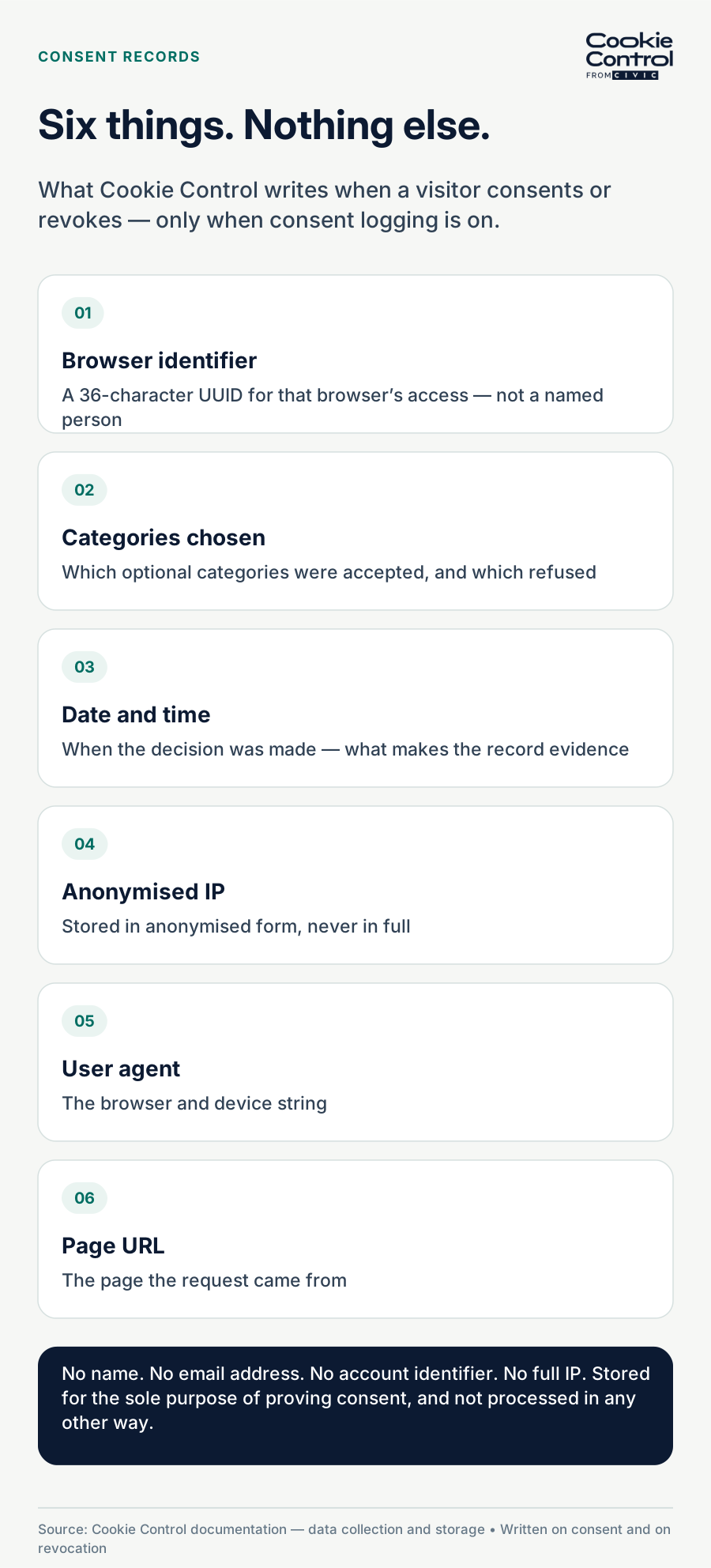
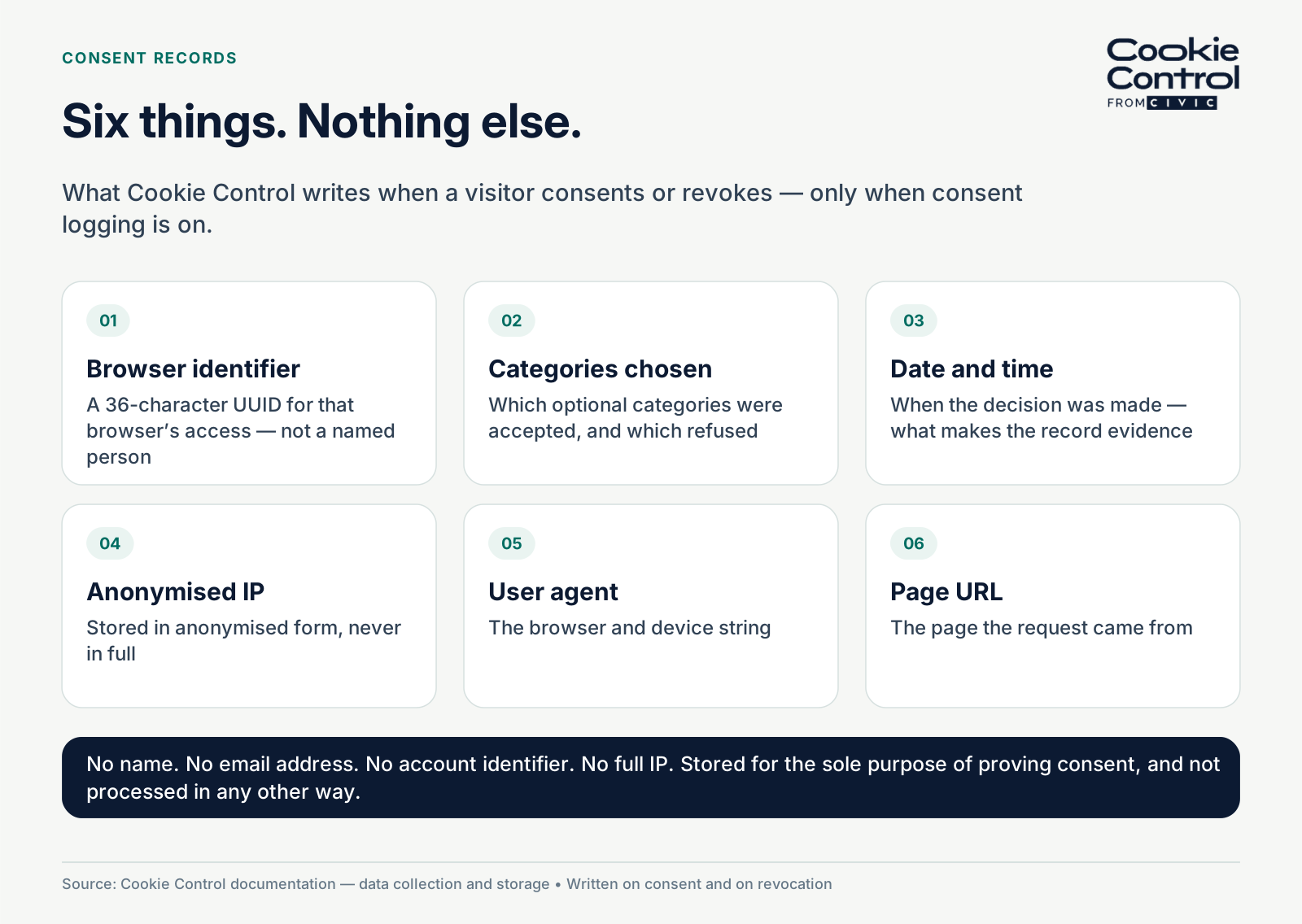
Diagram of the six data points Cookie Control stores in a consent record.
When a visitor makes a consent choice, Cookie Control records six things: a 36-character identifier for that browser, the categories they chose, the date and time, an anonymised IP address, the user agent, and the page the request came from. Nothing else, and only when consent logging is enabled.
If you are asked to prove that someone consented, you need to know what your consent management platform actually recorded. Vague answers are not much use to a data protection officer, and they are no use at all in a complaint. So here is the specific answer for Cookie Control.
Why consent records exist at all
UK GDPR requires you to be able to demonstrate that a person consented. That is an accountability obligation: it is not enough to have asked, you have to be able to show what was asked, what was chosen, and when.
A consent record is how you do that. It needs to capture enough to be evidence without becoming a surveillance log in its own right, which is a genuine tension, because the more you store to prove consent, the more personal data you are processing to do it.
The six data points
When a visitor consents, and again when they revoke, Cookie Control stores exactly six things. Our documentation on data collection and storage lists them:
- A 36-character identifier. A unique string identifying that browser’s access. It is not tied to a named person; it exists so one record can be distinguished from another.
- The categories consented to, or not. The actual decision: which optional categories were accepted and which were refused.
- The date and time of the request. When the decision was made, which is what makes the record evidence.
- The anonymised IP address of the user. Stored in anonymised form, not in full.
- The user agent. The browser and device string, which helps when investigating a disputed record or a rendering problem.
- The URL the request came from. Which page the person was on when they decided, which matters because the information presented can differ by page.
That is the complete list. There is no name, no email address, no account identifier and no full IP. The documentation is equally clear about purpose: the information is stored for the sole purpose of being able to prove a user has consented in the past, as required by GDPR, and is not processed in any other way or disclosed to anyone.
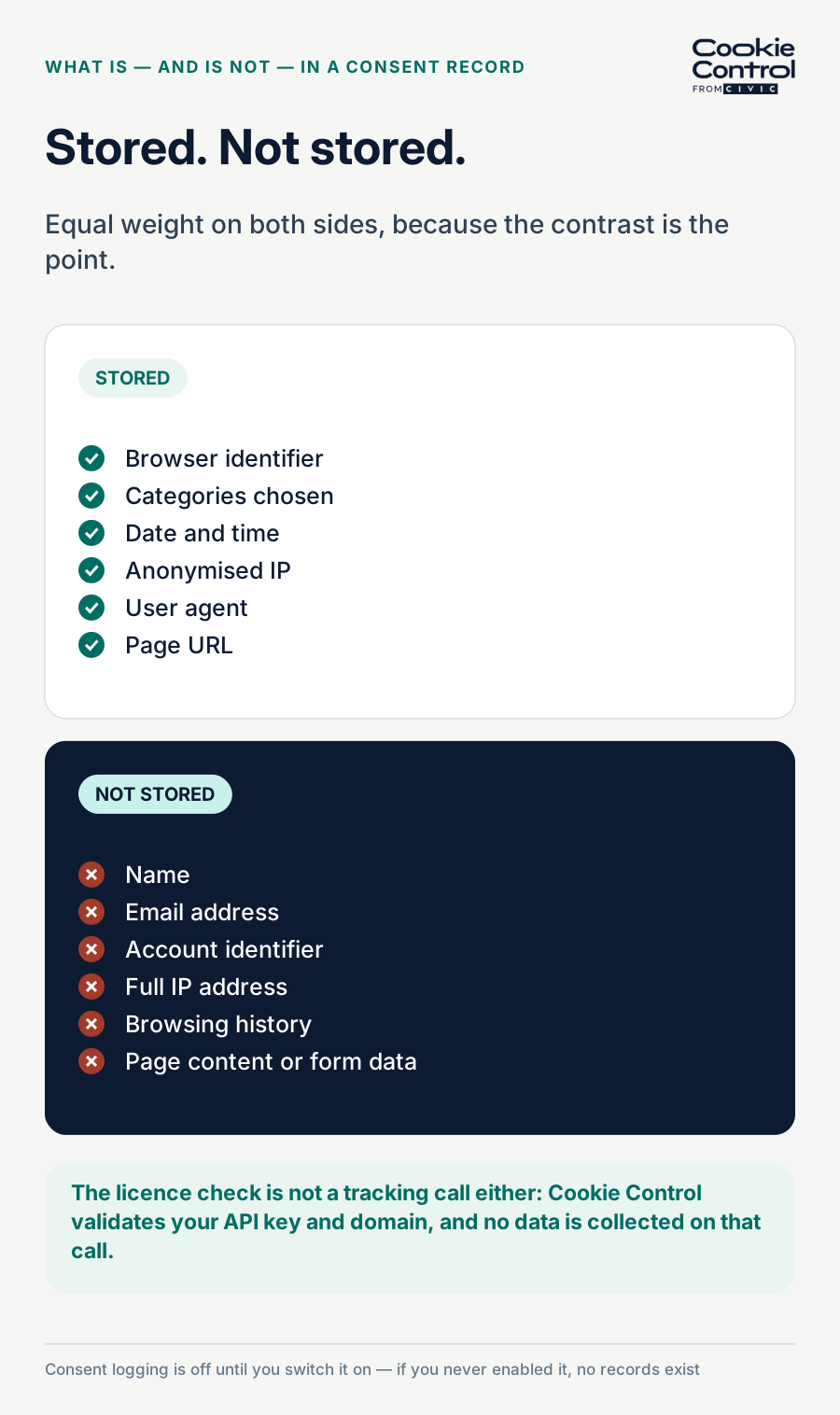
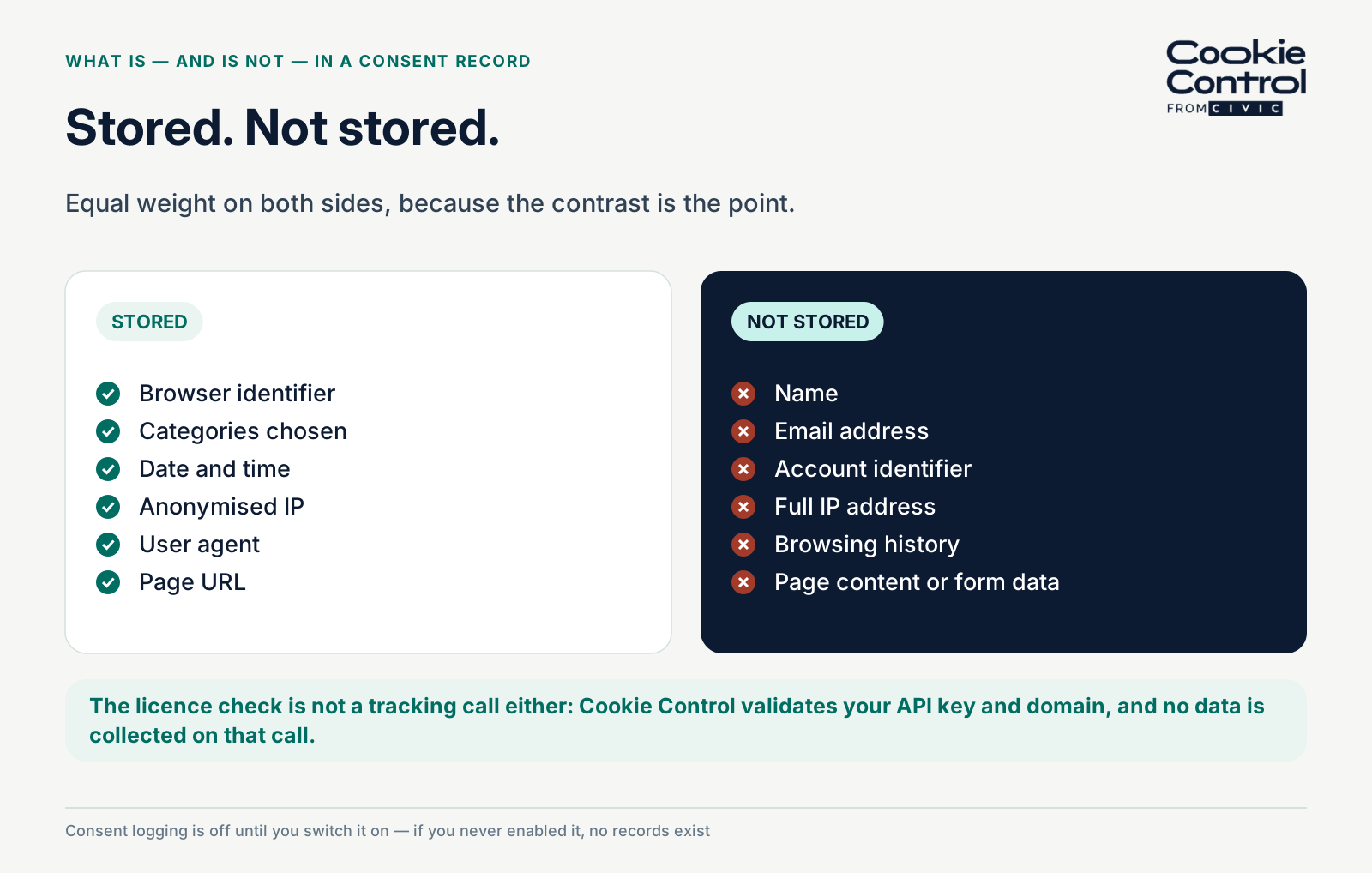
Comparison of what Cookie Control does and does not store when a visitor consents.
What is not stored
Two things are worth stating plainly, because people assume otherwise.
First, licence validation does not collect data. Cookie Control calls back to our servers with your API key and domain to check the licence is valid. No data is collected on that call. It is a licence check, not a tracking call.
Second, consent logging is off unless you switch it on. If you have never enabled it, no consent records are being created at all, which is worth knowing before you tell an auditor you have them.
How to switch consent logging on
Consent logging is enabled in your user area — under Licences on the current edition, and from the Licences and Payment page on Premium — by toggling on Consent Logging. You will need to accept the data processing agreement first, which makes sense, because from that point we are processing consent records on your behalf and the paperwork should say so.
Once it is on, records accumulate from that moment. It is not retrospective, so if you need evidence for a period, enable it before that period rather than after.
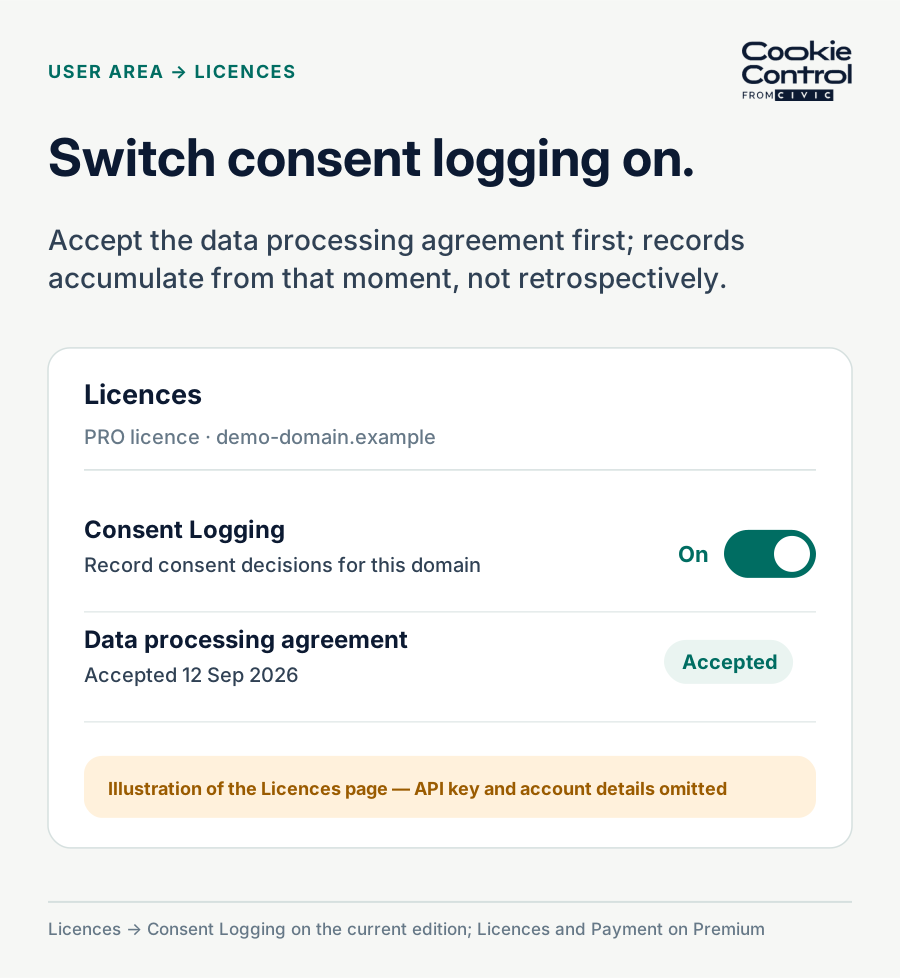
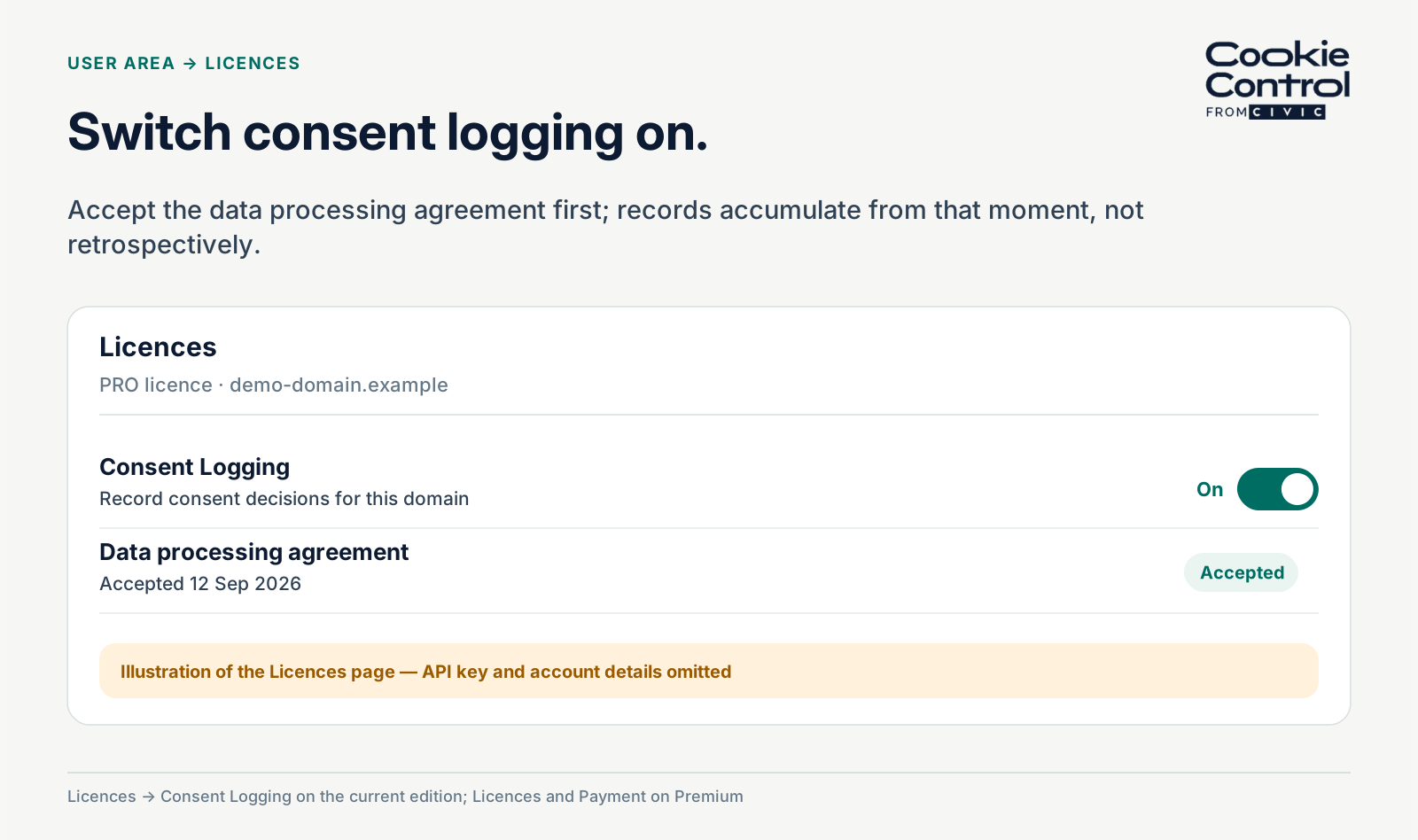
Enabling consent logging in the Cookie Control user area.
What you can do with the records
On the current edition, records feed the consent dashboard, which shows how your visitors are actually deciding: the split between accepting everything, accepting some categories and refusing, plus a country and device breakdown. Data is viewable up to a year back, and updates process within 24 hours rather than in real time. Premium’s consent dashboard displays your consent data and you can request New Consent Log from the Domain Management page within Actions.
You can export the graphs as a PDF, the displayed data as CSV, and the full underlying logs as CSV from the domains page. That last export is the one to reach for if you are ever asked to produce evidence for a specific date range.

Caption: Exported consent records from Cookie Control showing anonymised entries.
What to tell your DPO
If you keep a record of processing activities, consent logging belongs in it. The useful facts for that entry are: the six fields above, that the IP is anonymised, that we act as processor under the DPA you accepted when enabling it, and that you as controller decide how long the records serve their purpose.
On retention specifically: the law does not set a fixed period for keeping consent records. What it requires is that you can demonstrate consent for as long as you are relying on it, and that you do not keep personal data longer than you need it. That is a judgement for you as the controller — our terms say the same, making the customer responsible for determining appropriate retention periods for consent data — and it is worth writing down the reasoning rather than picking a number. The wider list of records you must be able to show is in our 2027 guide.
Frequently asked questions
Sources
- Cookie Control documentation — Support data collection and storage
- Cookie Control — Consent Dashboard release notes
- Cookie Control Premium documentation — Compliance consent logging
- Cookie Control terms of service — clause 13, Consent Data
- UK GDPR Article 7(1) — demonstrating consent