Intergrating Cookie Control with the Hubspot CMS Platform
06 August 2025
HubSpot users can seamlessly embed Civic Cookie Control using the platform's built-in settings for custom code. This gives you control over cookie categories and consent behavior while maintaining compliance across all your HubSpot pages.


How to add Cookie Control to Hubspot CMS Platform
Step 1: Acccess your website settings
- In your Hubspot dashboard, go to Content > Website Pages
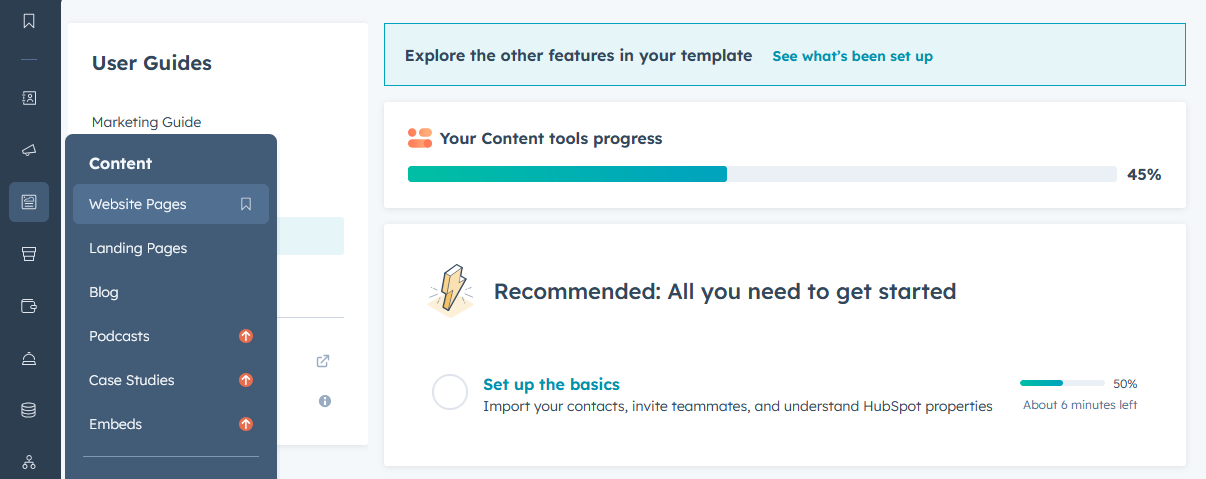
- Select the page where you'd like to add the banner
Step 2: Add the Cookie Control script
- Navigate to Settings > Advanced
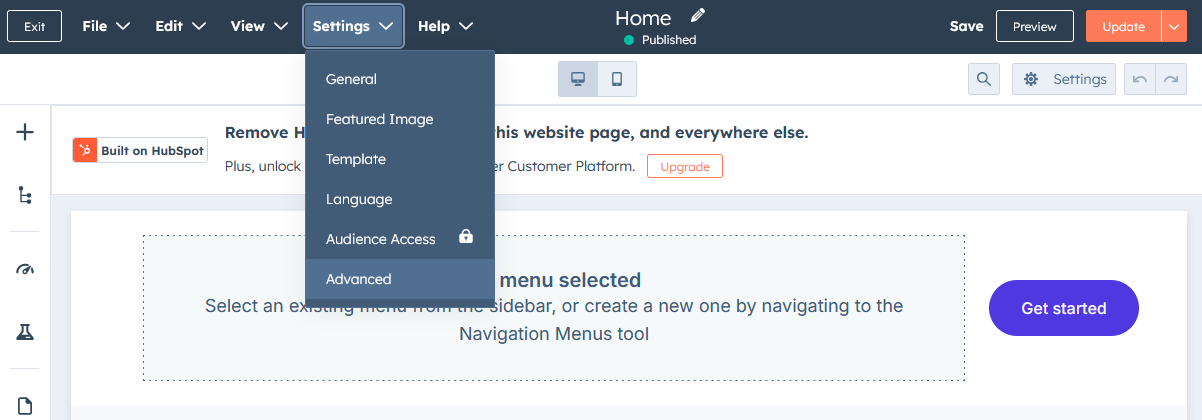
- In the Footer HTML section, paste the following:
<!-- Latest Stable Version of Cookie Control core script -->

                <script src="https://cc.cdn.civiccomputing.com/9/cookieControl-9.x.min.js" type="text/javascript"></script>
<!-- Cookie Control configuration --> <script> var config = { apiKey: 'xxxxxxxxxxxxxxxxxxxxxxxxxxxxxxxxxxxxxxxx', product: 'XXX' }; CookieControl.load(config); </script>
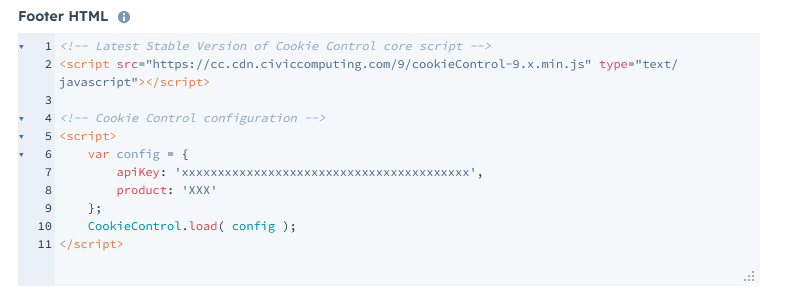
- Replace 'xxxxxxxx...' and 'XXX' with your license's API key and product type.
Step 3: Save and verify
- Publish or preview your page to confirm the cookie banner is working as expected
Need help?
For full documentation on all configuration options, visit: Cookie Control Available Options
If you encounter any issues or need support, please contact: Cookie Control Support