Intergrating Cookie Control with the SquareSpace CMS Platform
06 August 2025
Squarespace doesn't include native cookie consent features in all plans, but with Civic Cookie Control, you can easily implement a customizable banner using the platform's code injection feature.


How to add Cookie Control to SquareSpace CMS Platform
Step 1: Navigate to Code Injection
- From your squarespace dashboard go to Website > Pages

- Open Custom Code > Code Injection
Step 2: Insert the Cookie Control code
- In the Footer section, paste the following:
-
<!-- Latest Stable Version of Cookie Control core script -->

<script src="https://cc.cdn.civiccomputing.com/9/cookieControl-9.x.min.js" type="text/javascript"></script>
<!-- Cookie Control configuration --> <script> var config = { apiKey: 'xxxxxxxxxxxxxxxxxxxxxxxxxxxxxxxxxxxxxxxx', product: 'XXX' }; CookieControl.load(config); </script>
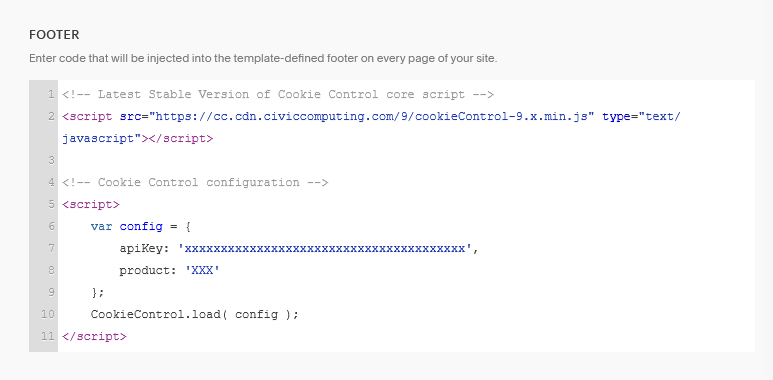
- Replace 'xxxxxxxx...' and 'XXX' with your license's API key and product type.
Step 3: Save and verify
- Save the changes and preview your site to ensure the cookie banner appears correctly.
Need help?
For full documentation on all configuration options, visit our documentation: Cookie Control Available Options
If you encounter any issues or need support, please contact us via our help page: Cookie Control Support