First-Party vs Third-Party Cookies Explained
The one distinction that decides who can read a cookie, who can delete it, and how your scan report organises what it finds. Explained with real examples.
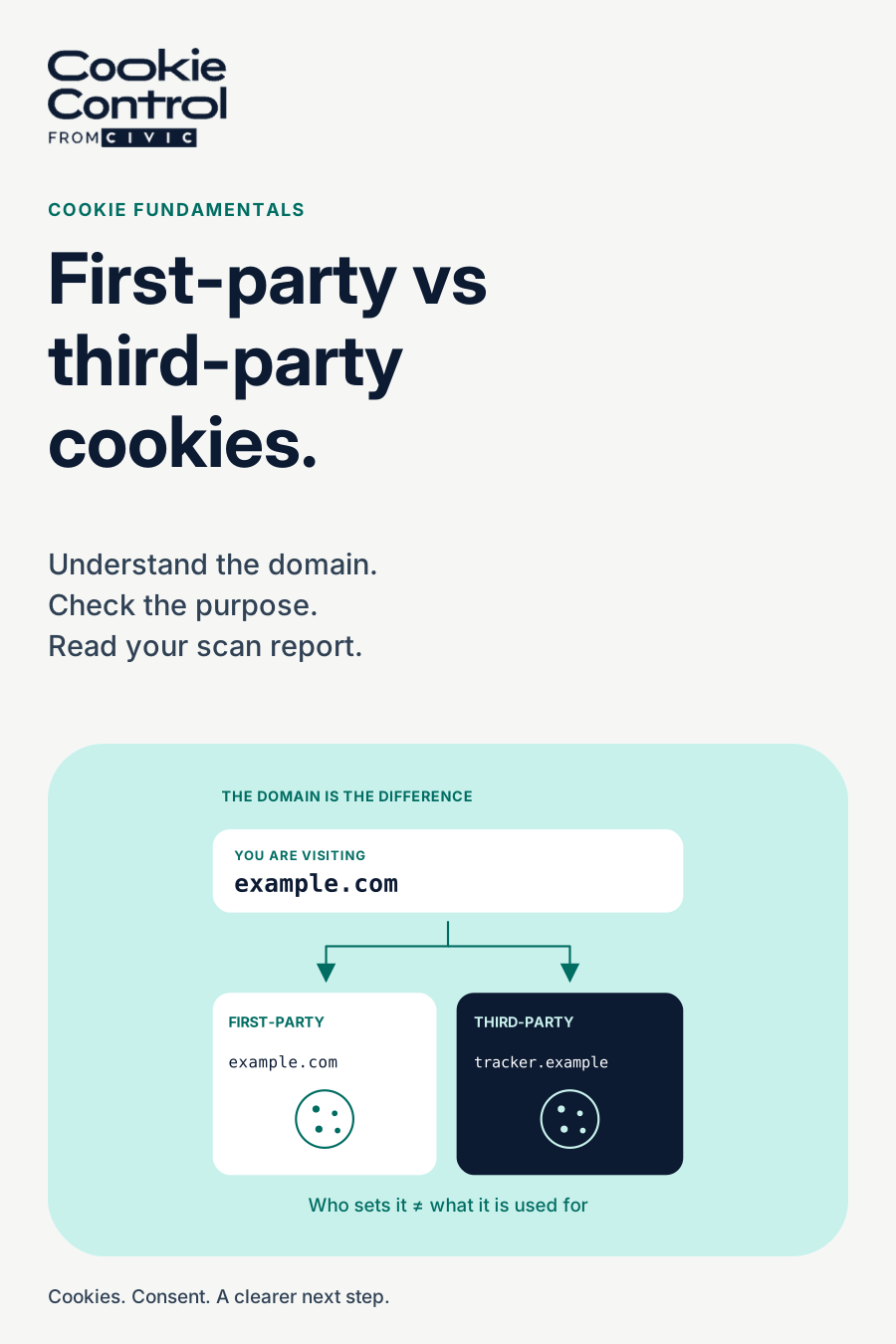
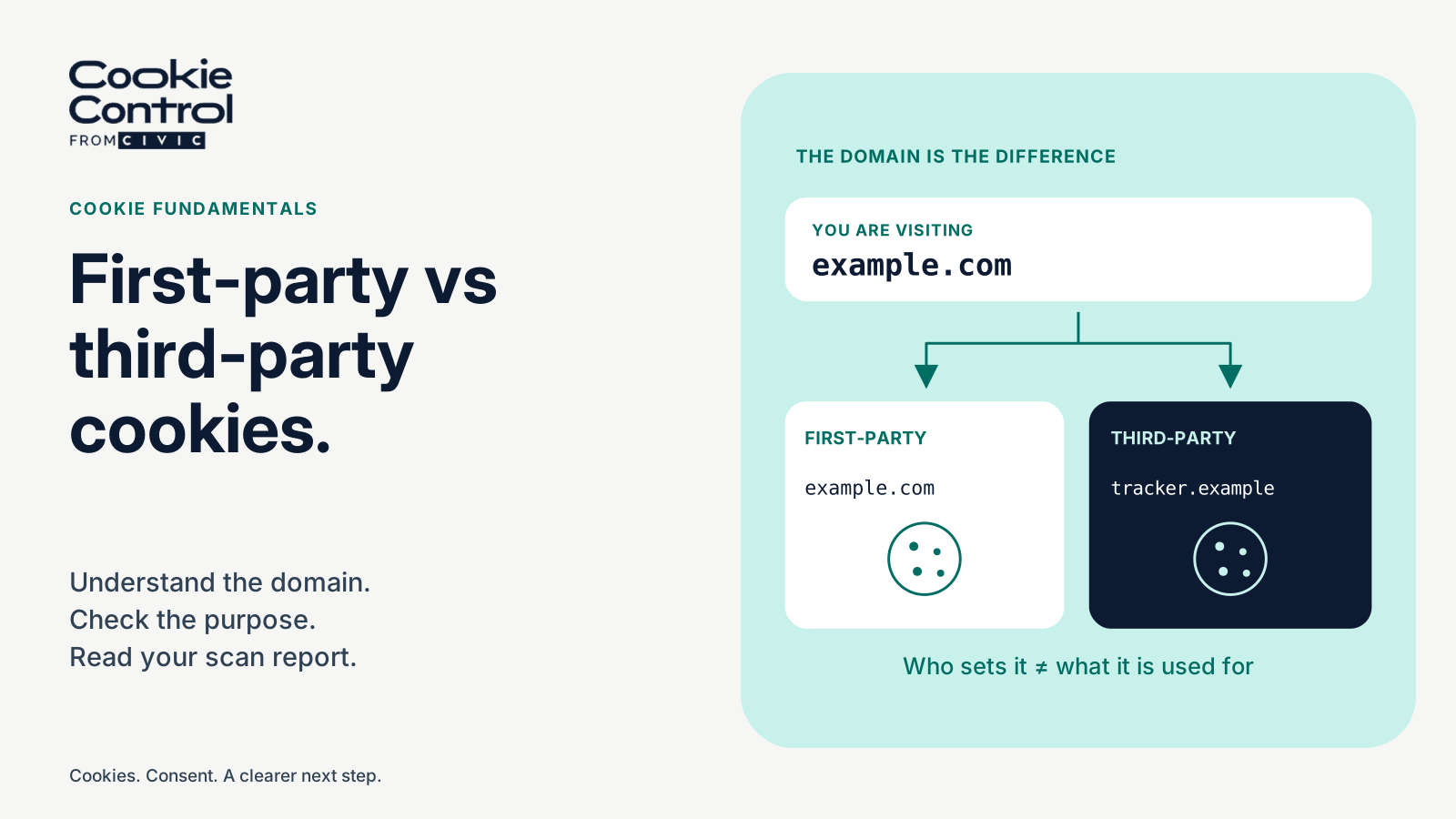
A first-party cookie belongs to the domain in your address bar; a third-party cookie belongs to another domain loaded into the page — an ad network, an embedded video, a widget. The distinction decides who can read the cookie, which domain can manage it, subject to cookie attributes and browser restrictions, and how tightening browser rules treat it.
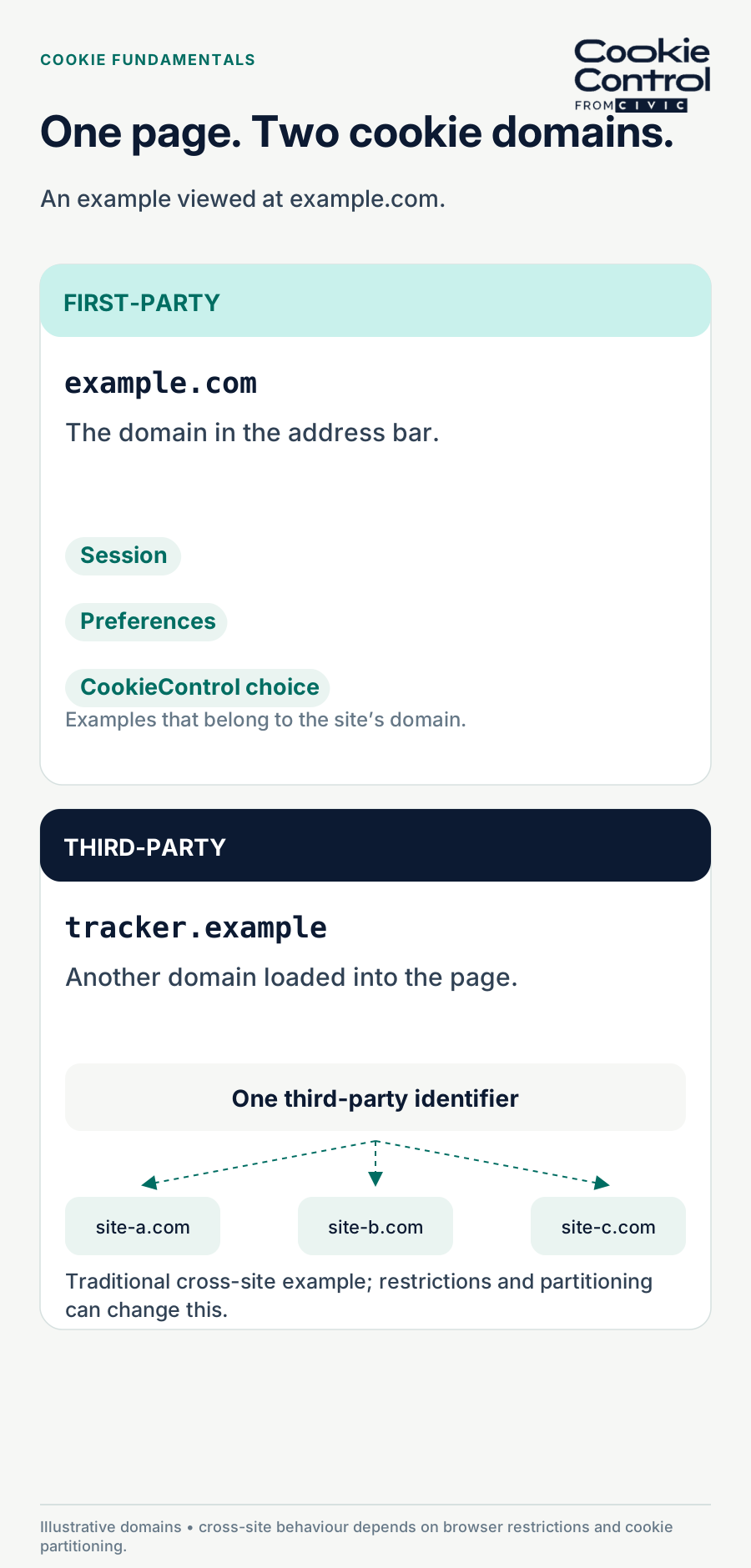
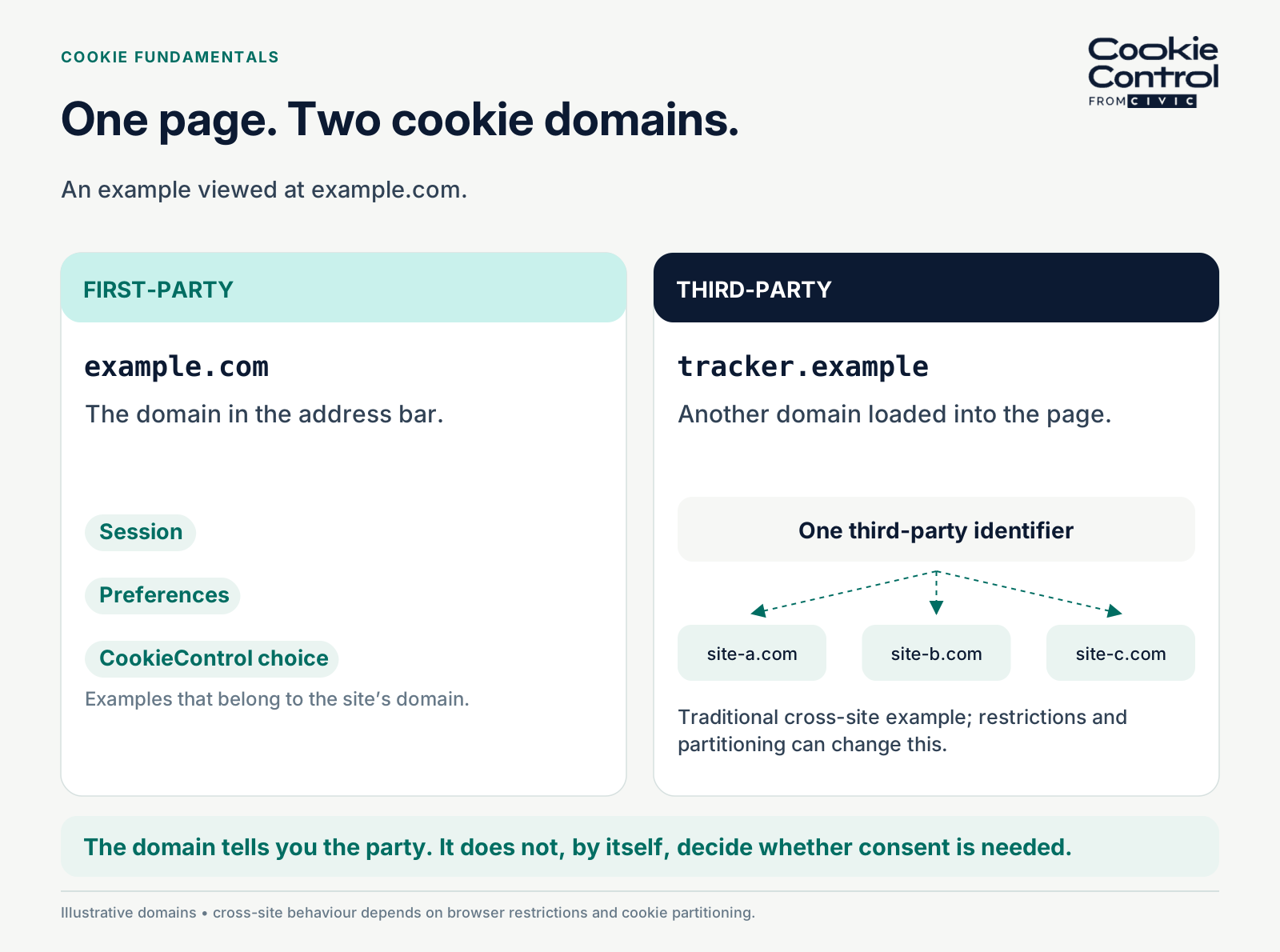
One page, two cookie domains. Traditional third-party tracking can link visits across sites only where browser restrictions and partitioning allow it.
Every cookie conversation eventually reaches this fork, because almost every practical question — can we delete it, does it track people across sites, why is the browser blocking it — is answered by which side of the fork a cookie sits on. The definition takes one sentence; the consequences take the rest of the article.
The definition, in one sentence each
A first-party cookie is set for the domain the visitor is actually on — the one in the address bar — and is sent within its permitted domain and path scope. A third-party cookie is set for some other domain whose content is loaded into the page: the ad script, the embedded video player, the social widget, each of which can set cookies for its own domain while sitting inside yours.
The mechanics matter more than the labels. Where browsers permit an unpartitioned third-party cookie, its identifier can be reused when different sites load that domain's content, which is what makes cross-site tracking work, and what makes third-party cookies the regulatory and browser target they have become. A first-party cookie has no such reach: your session cookie, your preference settings, and the visitor's own consent choice (our platform stores it in a first-party cookie named CookieControl, deliberately) remain scoped to your domain; scripts running on your site can still transmit accessible values elsewhere.
Reading the domain column
Every cookie carries a domain, and it tells you the party at a glance. If it matches the site in the address bar, or a parent of it, the cookie is first-party. If it names somewhere else — .doubleclick.net, .tiktok.com — it is third-party. A Domain attribute such as example.com permits matching subdomains; omitting Domain creates a host-only cookie. A leading dot is ignored by modern browsers, so inspect the actual scope and attributes, not the dot alone.
"First-party" describes the domain, not who wrote the code. Google Analytics’ _ga cookie is first-party by domain because Google’s script sets it under yours. That does not make it exempt from consent — which is why the UK’s statistical exemption turns on what the analytics tool does with the data, not on where the cookie lives. Party and purpose are different axes, and you need both to categorise anything.
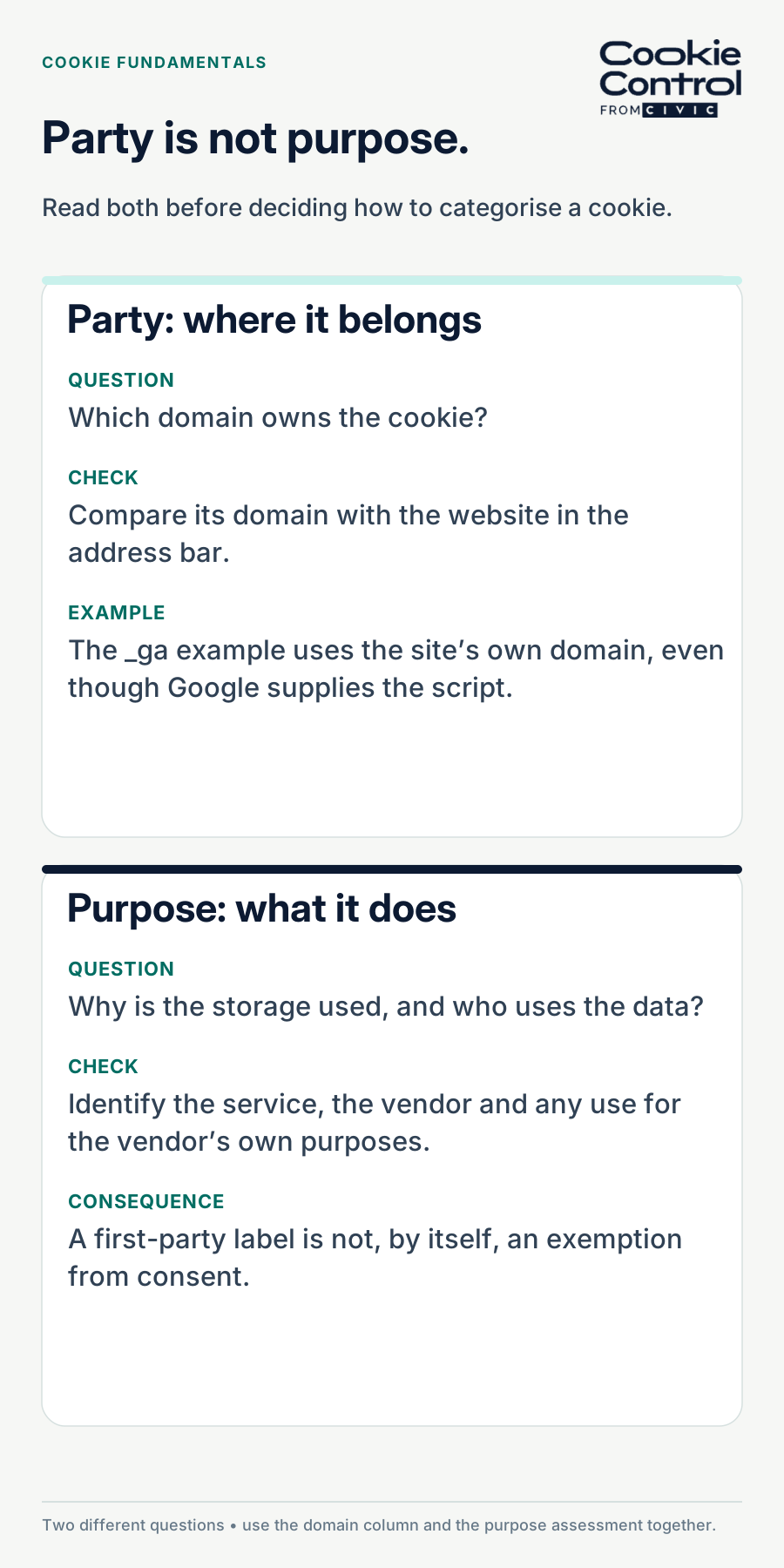
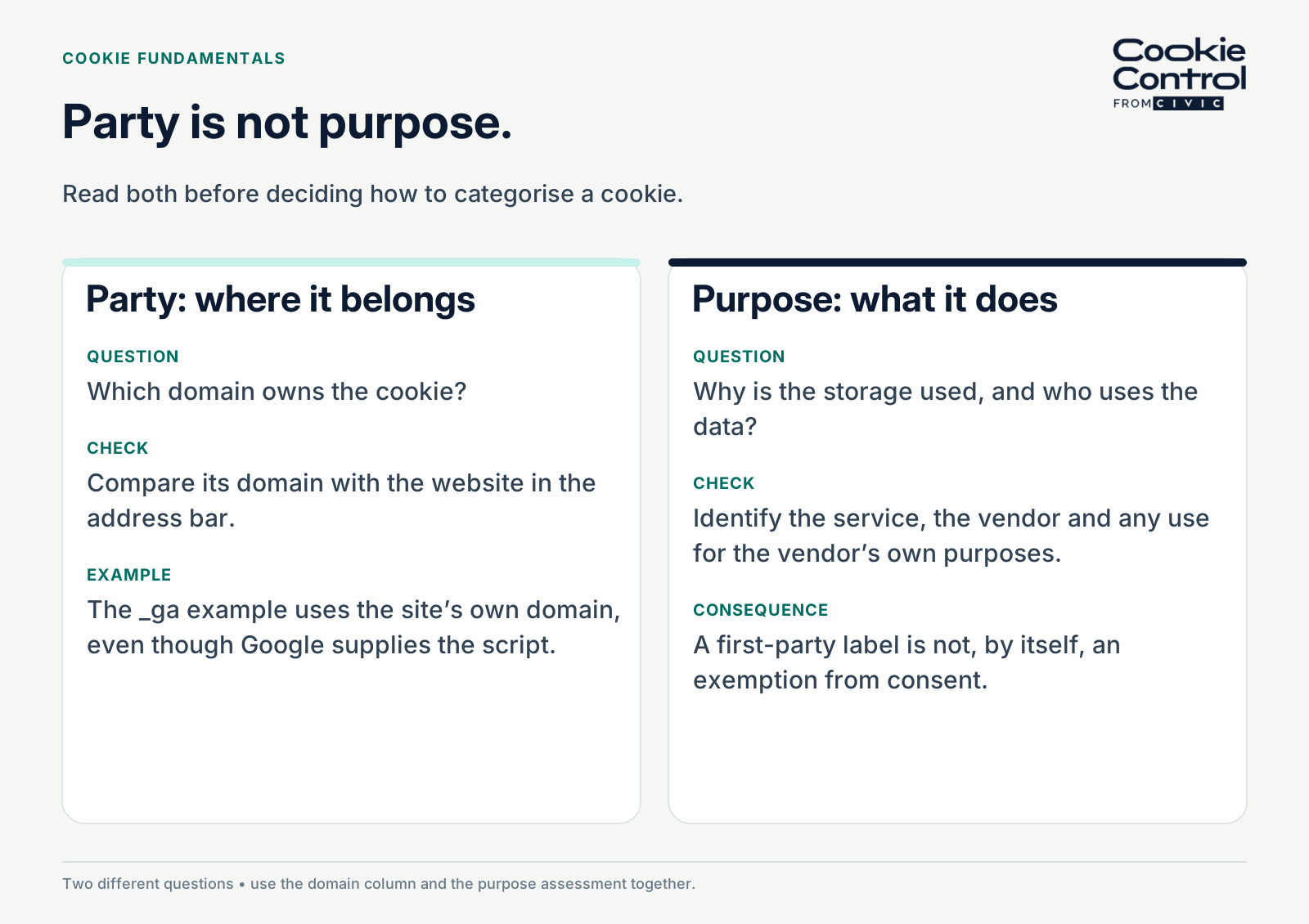
Party and purpose are different questions: identify the cookie domain, then assess what the storage and resulting data are used for.
Three consequences that actually bite
- Deletion: your site's JavaScript can expire accessible cookies within its permitted domain and path scope, but it cannot remove HttpOnly cookies or cookies belonging to an unrelated domain. The browser enforces these boundaries for every consent platform equally. That is why withdrawal works by stopping the scripts and, for what remains, showing the visitor a manual opt-out route. Cookie Control handles this openly: where a third party’s cookie cannot be revoked by script, the preferences panel shows a "Some cookies require your attention" section with a link to that vendor’s own opt-out, rather than pretending the cookie has gone.
- Consent: the party does not decide the consent question — purpose does. A first-party analytics cookie still needs consent (or, in the UK, the conditional statistical exemption); a strictly necessary first-party cookie does not. But third-party cookies are almost always in consent territory, because their purposes are almost always advertising, embedding or cross-site measurement.
- Browser treatment: browsers restrict third-party cookies ever more aggressively — blocked by default in some, partitioned or curtailed in others, so third-party mechanisms are also simply less reliable than they were. Design for the web as it is: first-party where possible, consent-gated where not.
Your own consent cookie is first-party too
The visitor’s consent choice is itself stored in a cookie — a first-party one named CookieControl, kept for 90 days by default — and the party matters here as well. Because it belongs to your domain, it stays with your domain: an unrelated site cannot directly read it through its own JavaScript. This is a scope restriction, not a guarantee against scripts on your site transmitting its value. Sites that run across several subdomains can rename it and share the choice between chosen subdomains, so a decision made on shop.example.com follows the visitor to www.example.com instead of asking twice.
How browsers treat third-party cookies, as of September 2026
Safari has blocked third-party cookies by default for years. Firefox isolates them so that a cookie set by a third party on one site cannot be read by the same third party on another. Chrome, after announcing and then abandoning their removal, keeps them by default with user controls to block them. Partitioning mechanisms, including CHIPS where supported, scope an embedded service’s cookie to the top-level site. That can let an embed remember state without reusing the same cookie across unrelated sites; check each browser and any storage-access exceptions.
The practical reading: a third-party cookie is now the least reliable mechanism on the web as well as the most regulated one. Design for what works — first-party where possible, consent-gated where not — rather than for the browser that still allows the most.
The trick that blurs the line: CNAME cloaking
Some tracking vendors offer to serve their script from a subdomain of your site — track.example.com pointing, behind the scenes, at the vendor. To the browser the cookie is now first-party, and a scan report will show your domain in the domain column. In substance nothing has changed: the data goes to the vendor, the identifier is the vendor’s, and a first-party hostname does not remove the underlying tracking purpose or consent obligations. If your scan shows a first-party cookie you do not recognise, the Products tab is the place to look — the vendor is usually identifiable there even when the domain is yours.
How your scan report organises this
Run a scan and the report hands you the distinction ready-made. The scanner report is organised in three tabs. Cookies: every cookie found. Products: the vendor-level view, grouping what each detected product may set, which is usually where third parties announce themselves — you may not recognise _fbp, but you recognise the product it belongs to. Categories: the consent-category view that your banner configuration will mirror. Reading the Products tab first is the practical trick: identify the vendors, then check each cookie’s actual domain and purpose.
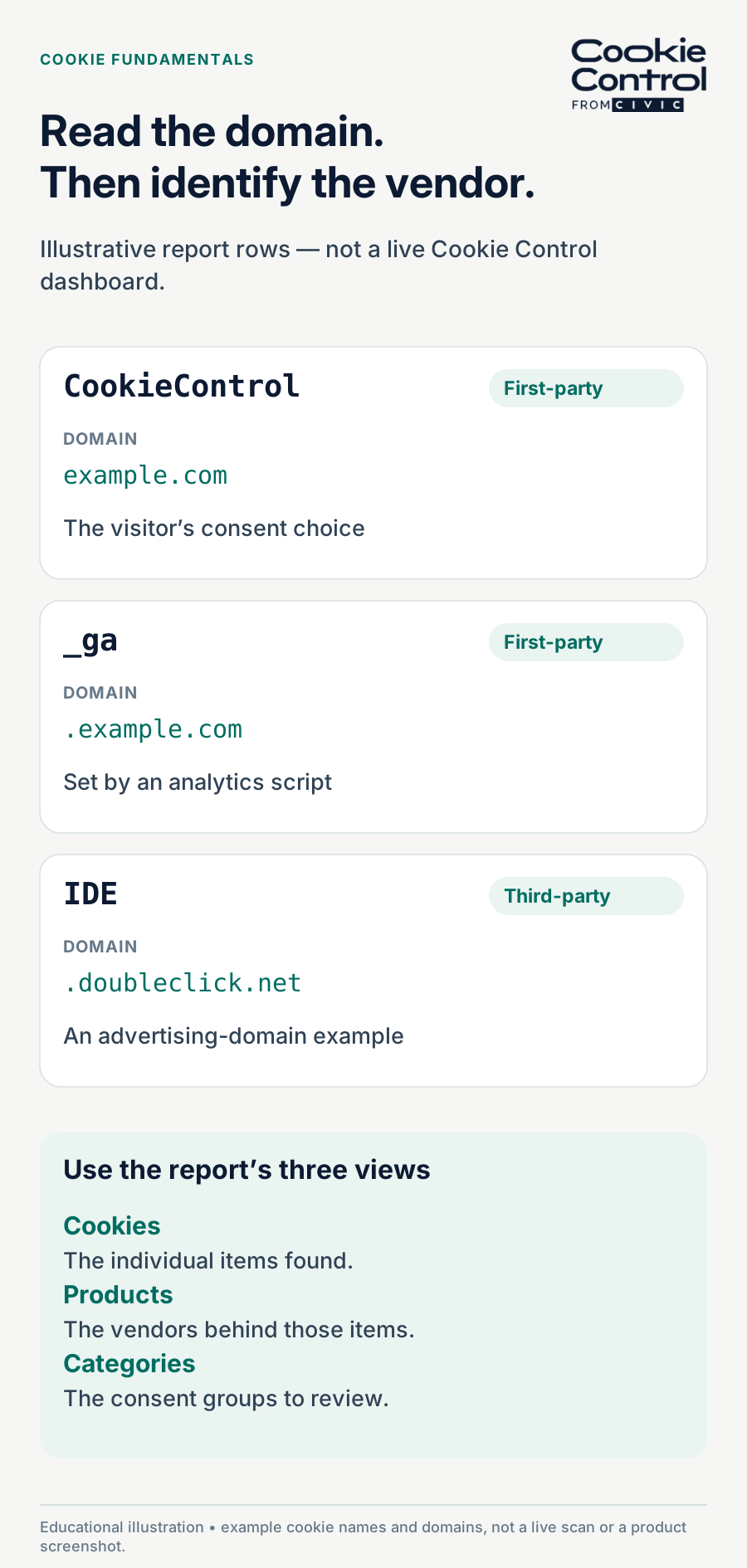
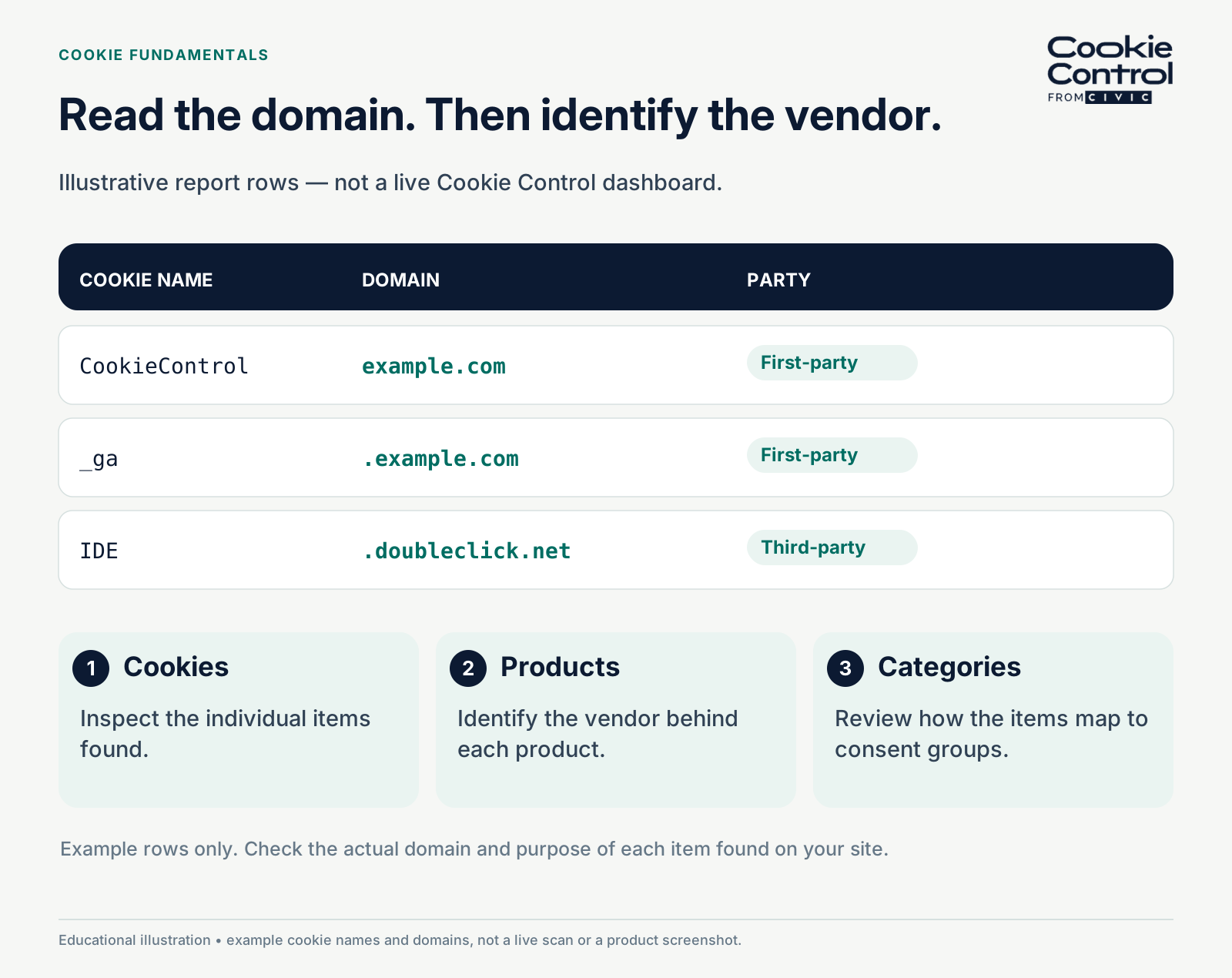
Illustrative report rows, not a live dashboard. Read the cookie domain, identify the vendor and assess the purpose; deletion also depends on cookie attributes and scope.
What to do with the distinction
- Scan, then sort by party: every cookie gets a purpose and consent assessment — strictly necessary, qualifying-exempt or consent-required — and third-party items also get an identified vendor.
- Question each third party: is the embed worth the tracking it brings? A privacy-enhanced route may reduce tracking, while a facade that loads on click can avoid loading the third party on arrival. Neither automatically eliminates the third party or every later consent requirement.
- Gate what remains: third-party scripts and iframes load through consent categories, so nothing cross-site runs before a choice.
- Say it plainly in your declaration: name the third parties, what they set, and where their own opt-outs live.
Frequently asked questions
Sources
- Cookie Control - Cookies
- Cookie Control - All about the CIVIC Cookie Scanner
- Cookie Control - Manually check cookies