Why a Privacy Policy Update Brings the Cookie Banner Back
Changed your privacy policy and the cookie banner came back for every visitor? Why Cookie Control asks again, and how to plan the update.
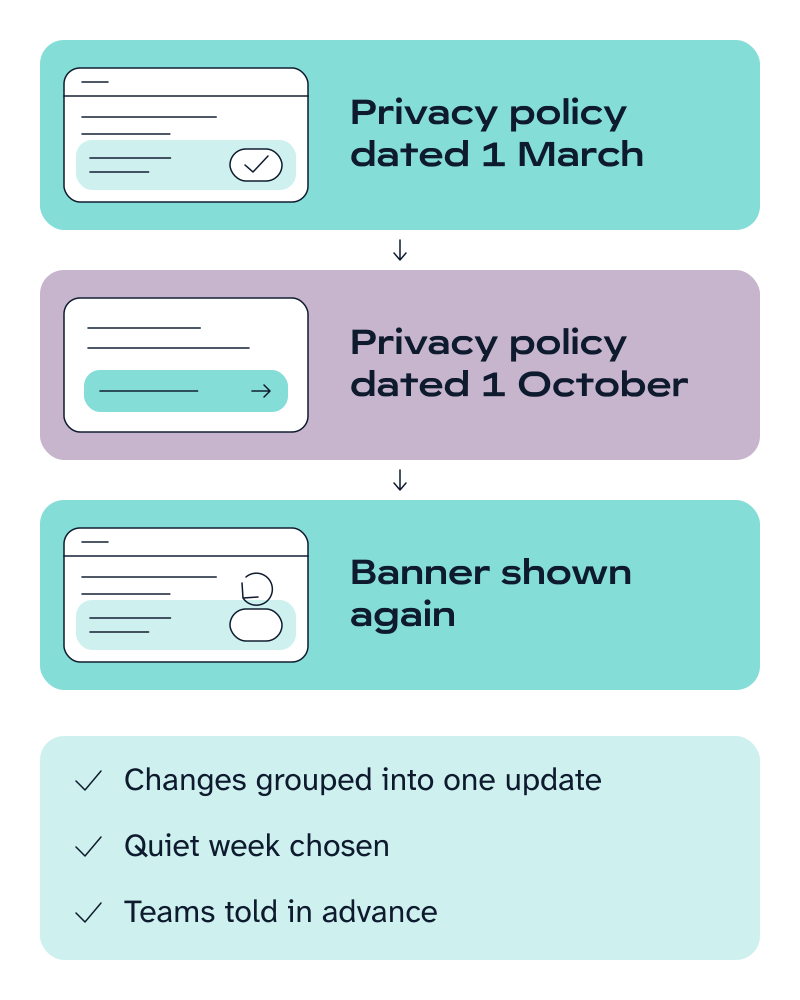
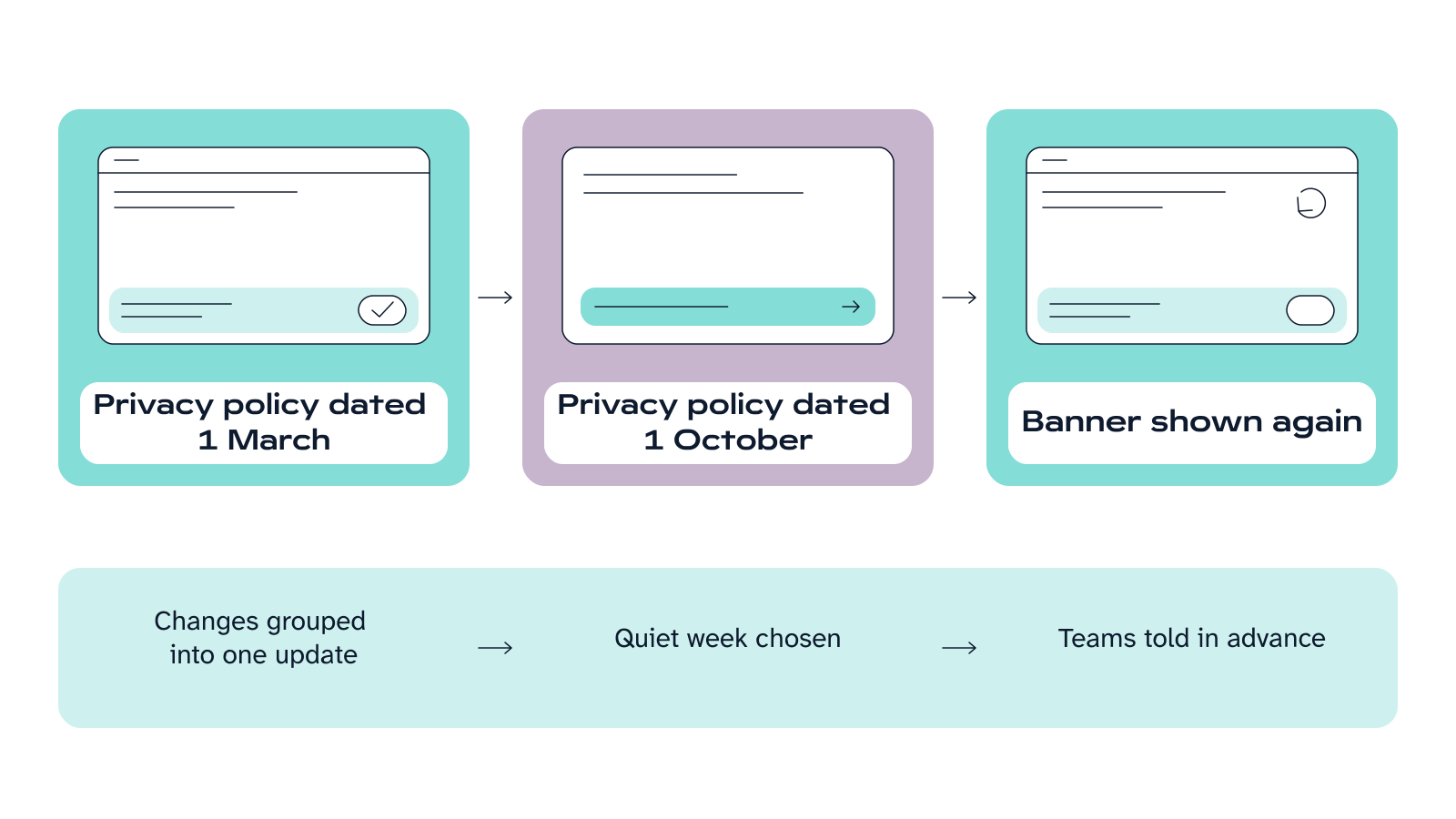
If your privacy policy details are set up in Cookie Control v9, changing the policy date brings the cookie banner back. Returning visitors are asked again, because their earlier consent is now out of date. This is deliberate: each choice should be based on your policy as it stands now. What you control is when it happens.
Cookie Control’s documentation covers this in one sentence: “Should your privacy policy change after a user gives consent, Cookie Control will invalidate prior records of consent and seek the user’s preferences using the latest information available.” In practice, a returning visitor sees the banner again on their next visit, as if it were their first.
Many teams do not expect this. A small legal update goes live, the banner reappears for everyone, and analytics numbers drop while visitors answer again. This guide explains when you need to ask again, what triggers it, and how to plan it.
The privacy policy setting is optional. If you never added your policy details to Cookie Control, changing your policy will not bring the banner back. This guide covers Cookie Control v9 (the current edition).
Do you need to ask for cookie consent again after a policy update?
Only when the change affects what visitors agreed to. The ICO says you must ask again if your purposes or activities change from what you stated when consent was given. A new purpose for cookie data, a new company you share it with, or keeping it for longer all count. Fixing a typo or changing a contact address does not.
A useful test: would a visitor who agreed last month be surprised by the change? If so, update the date. This is a judgement for whoever looks after data protection in your organisation. Cookie Control cannot make it for you.
Why Cookie Control asks again
Consent only counts if people know what they are agreeing to. Your policy might change in a way that affects cookies, or what you do with the data they collect. If so, the consent people gave earlier may no longer cover what you now do. Our guide to UK GDPR and PECR explains what valid consent means.
The ICO’s guidance on consent makes the same point: you will need to refresh consent “if anything changes”, for example when your purposes change. In Cookie Control, changing the policy date is how you do that.
Asking again after a real change is fine. Asking people again and again after they have said no is a dark pattern. The ICO calls it unfair. Changing the date often would do exactly that, which is one more reason to group your changes into one update.
There is a cost. Until returning visitors answer again, fewer of them will have accepted analytics and marketing cookies. Your reports may show fewer visits, and your advertising audiences may get smaller. Planning the change means nobody is surprised by it.
Why does the cookie banner keep coming back on my site?
There are three common reasons. Only the first is about your privacy policy.
- You changed the privacy policy date in Cookie Control’s settings. Cookie Control does not read your policy page, so it goes by this date. Editing the page without changing the date does not bring the banner back. That is fine for a typo, but if a change matters to visitors, update the date as well.
- The visitor’s consent cookie has expired. On v9 this happens after 90 days by default, and you can change it. The ICO sets no time limit on consent. Its general guideline is that six months is a suitable timeframe to ask again, and it expects you to decide whether a tool’s default suits your site.
- The visitor has cleared their cookies, or is using a different browser or device.
Where the date lives
On Cookie Control v9 (the current edition), it is the policy date in the privacy policy settings. Your developer sets it in the Cookie Control code.
For your developer: the date is the updated property of the statement object, written as dd/mm/yyyy. The consent cookie’s lifetime is set with consentCookieExpiry.
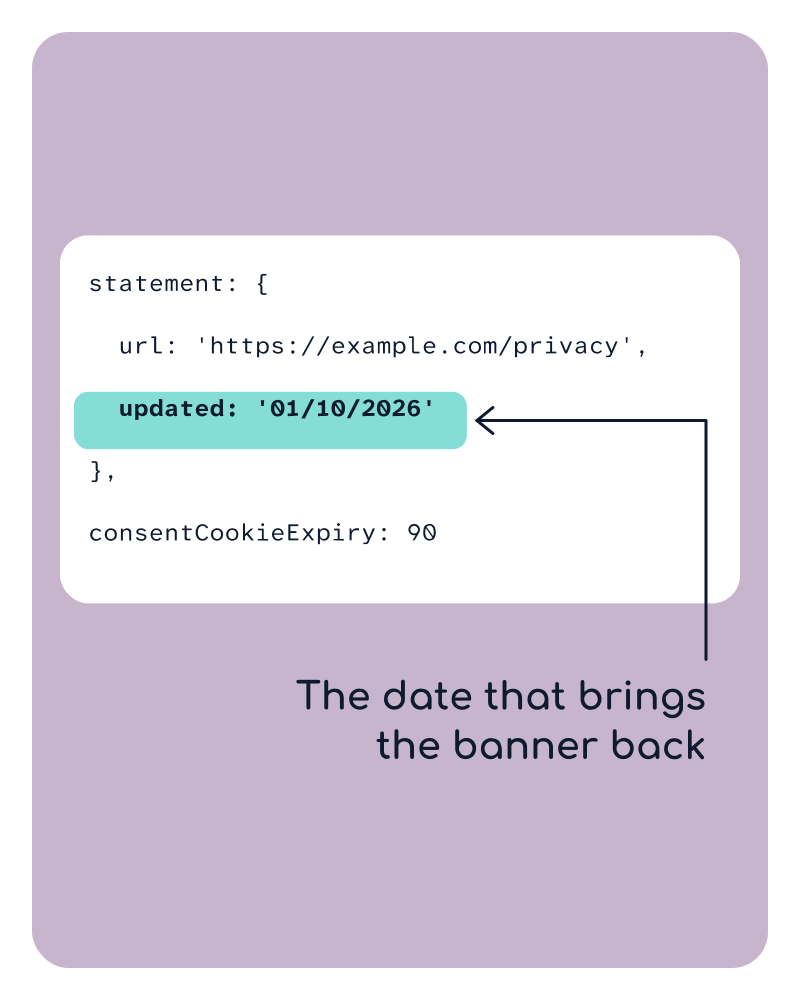
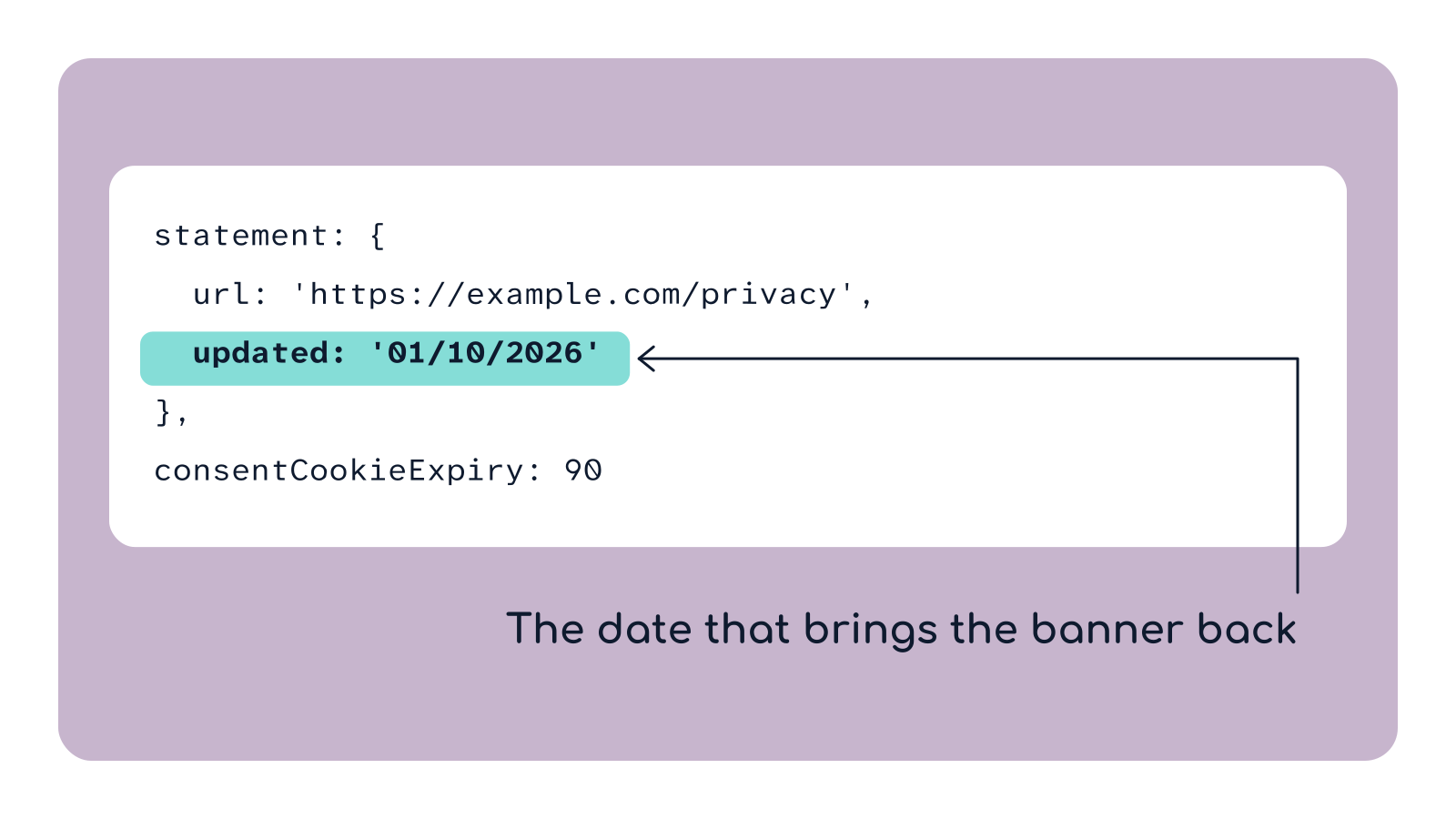
The date that brings the banner back. Change it only when the change matters to visitors.
Which changes need a new policy date?
Usually worth a new date:
- You start using cookie data for a new purpose, for example using analytics data for advertising
- You start sharing data collected through cookies with a new third party
- You keep the data for longer than your policy said
Usually not:
- Fixing typos or rewording for clarity
- Updating a contact address
- Changing the layout of the policy page
How to plan a policy update
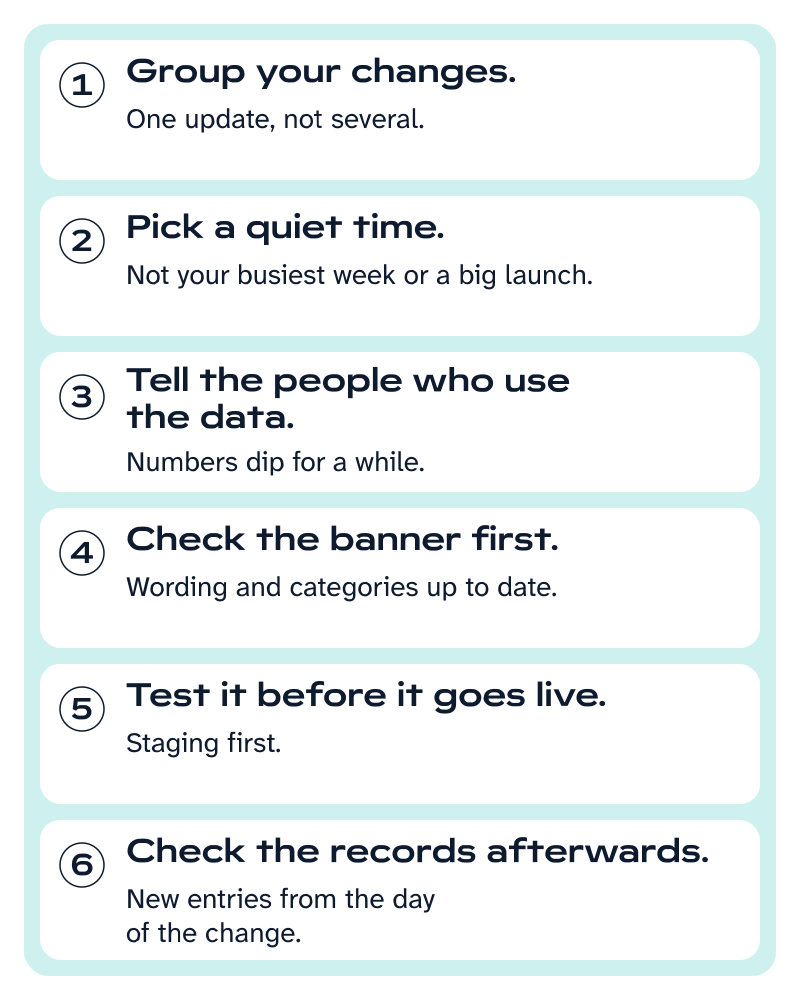
- Group your changes. Each date change asks every returning visitor again, so two changes a month apart means two rounds. Make one update instead.
- Pick a quiet time. Avoid your busiest week or the launch of a big campaign.
- Tell the people who use the data. Analytics and marketing teams should expect lower numbers for a while, so nobody mistakes it for broken tracking.
- Check the banner first. Every returning visitor is about to read it, so make sure the wording and cookie categories are up to date.
- Test it before it goes live. Change the date on a test or staging site first, and check that the banner reappears and your scripts still wait for consent.
- Check the records afterwards. If consent logging is switched on, new consent records appear from the day of the change, each with its own date and time.
Plan the update so the drop in consent is expected.
If you are planning for 2027, our Cookie Regulations 2027 guide covers the wider rule changes that might prompt a policy update.
Frequently asked questions
Sources
- Cookie Control v9 documentation — Privacy policy settings (statement object)
- Cookie Control v9 documentation — Consent records (kept for up to a year)
- ICO — Storage and access technologies guidance: how do we manage consent in practice?
- ICO — How should we obtain, record and manage consent?
- UK GDPR Article 4(11) — Definition of consent
- UK GDPR Article 7 — Conditions for consent