Customising Out Google Tag Manager (GTM) Template
Within GTM, after importing the template, you can modify the templates code to customise the Cookie Control implementation. This allows you to change the optional cookie categories to fit your bespoke needs or to customise branding or text options.
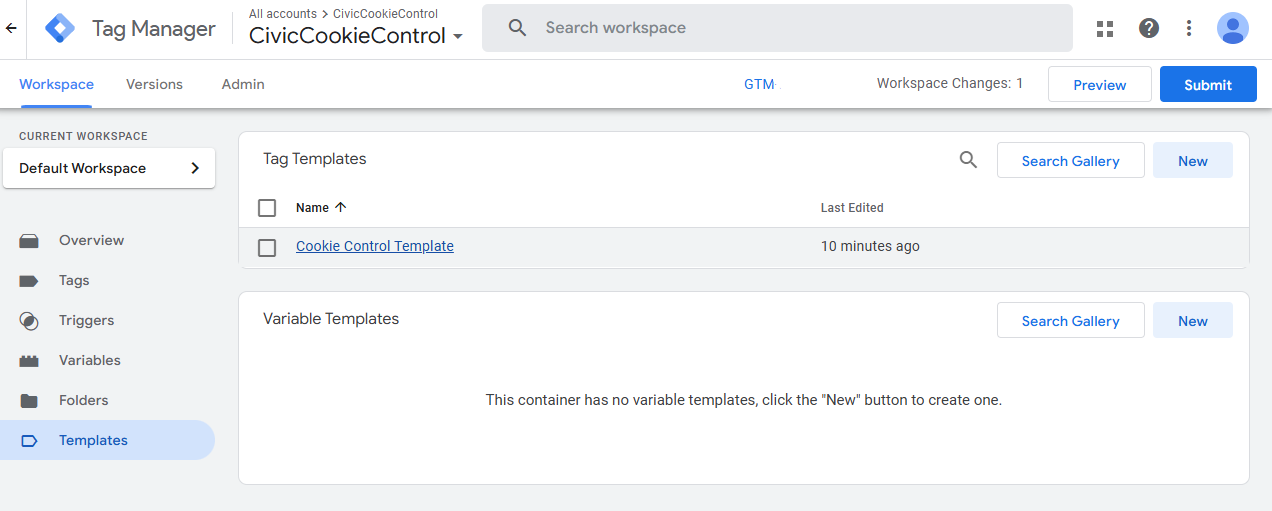
- 1. From the left hand menu in the GTM Dashboard select 'Templates'.
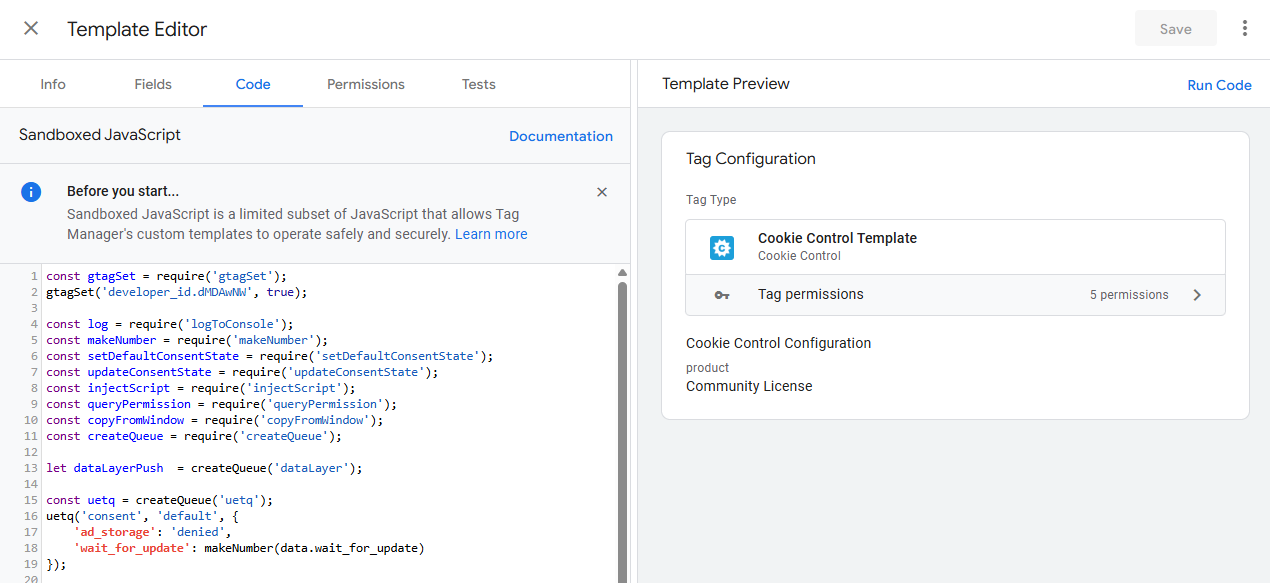
- 2. Select the Cookie Control template you imported previously and open the 'Code' tab.
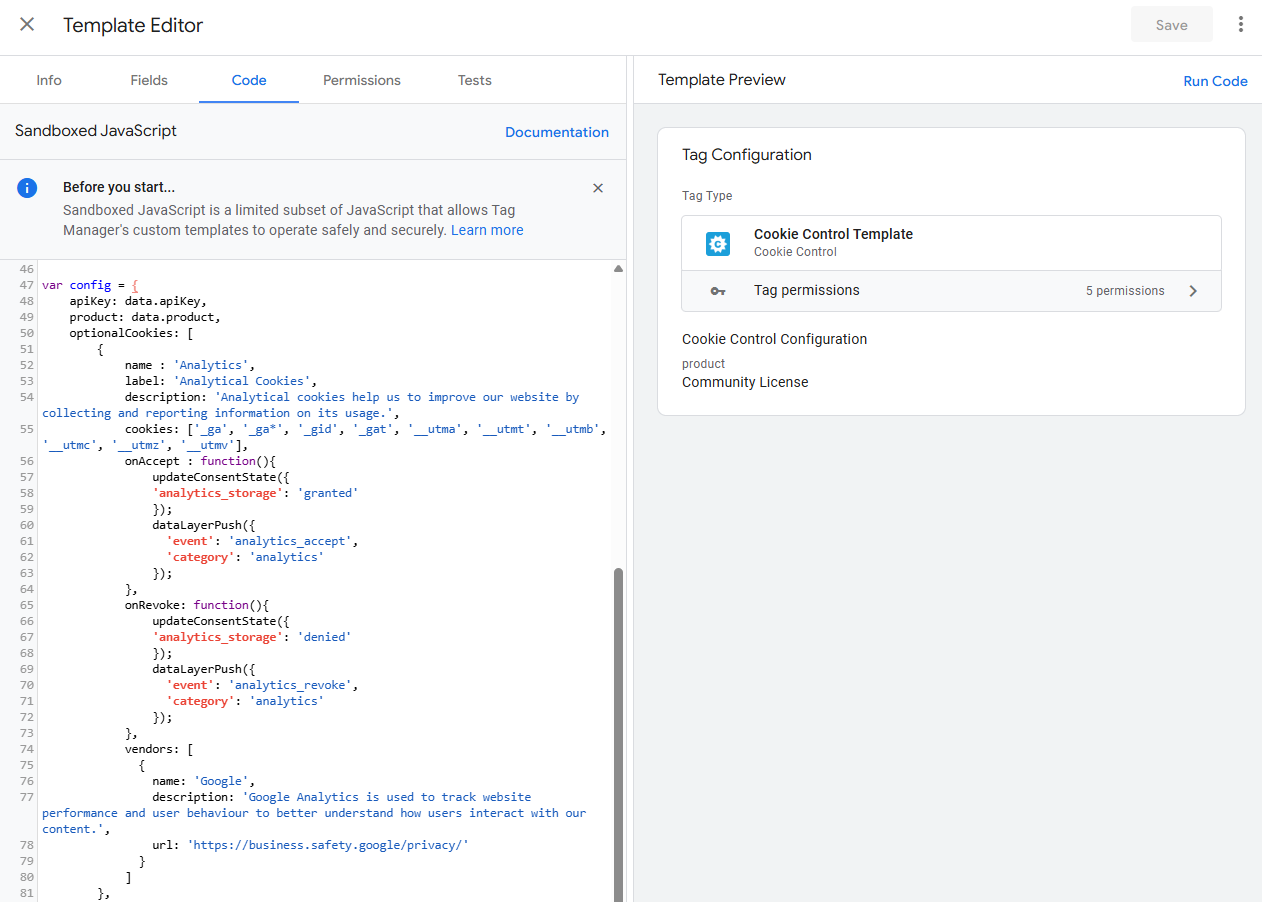
- 3. Within the code editor, find the configuration object, which by default is between lines 47 and 130(opens in a new window).
- 4. Extend the configuration for your needs using any of the other properties Cookie Control supports, such as branding or text.
- 5. Select 'Save' after making any changes.