Meta Pixel Cookie Consent - The Queued-Not-Blocked Approach
Cookie Control Premium initialises the Meta Pixel with consent revoked and releases pending activity on acceptance. Why that saves your data.
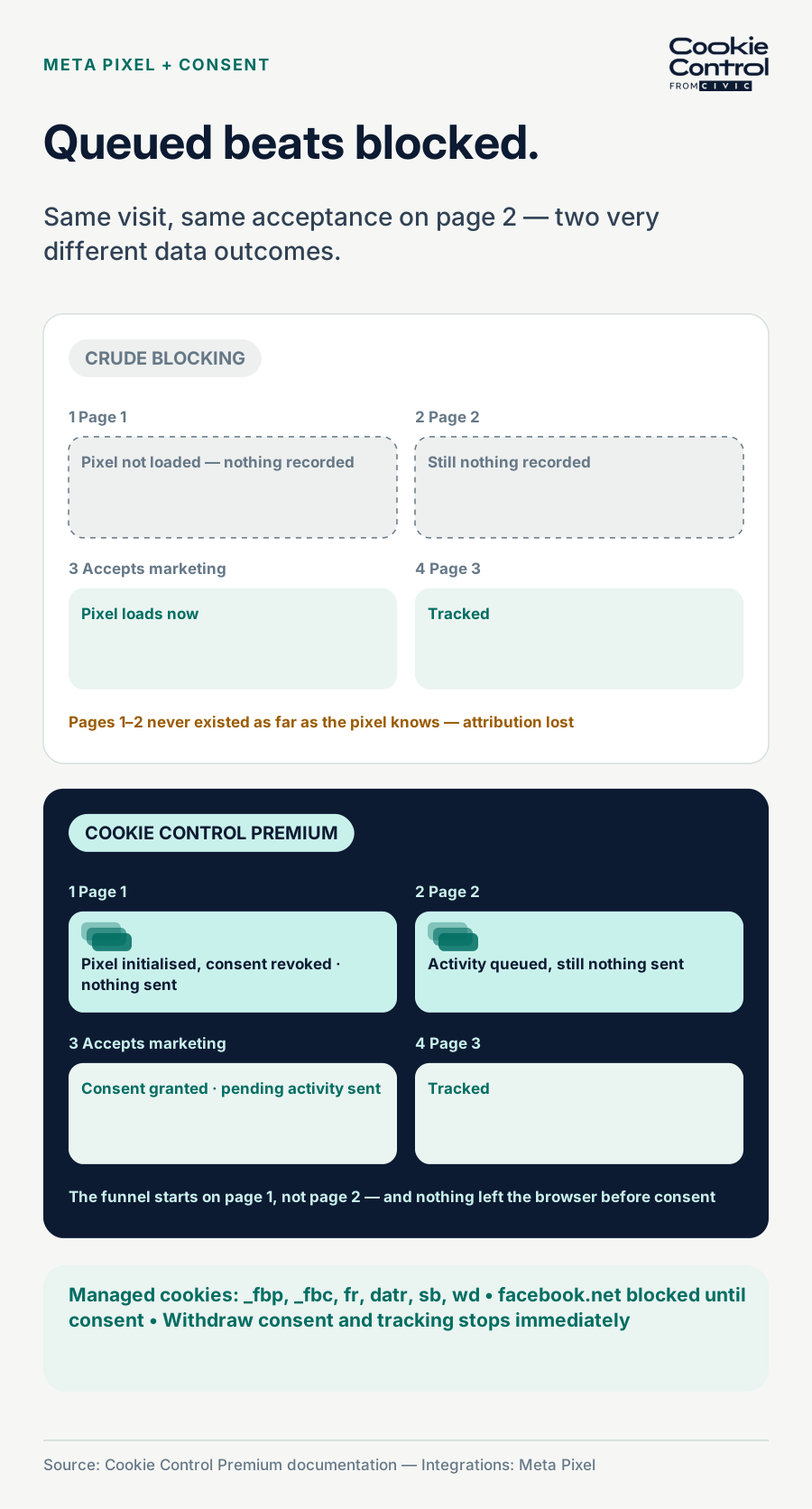
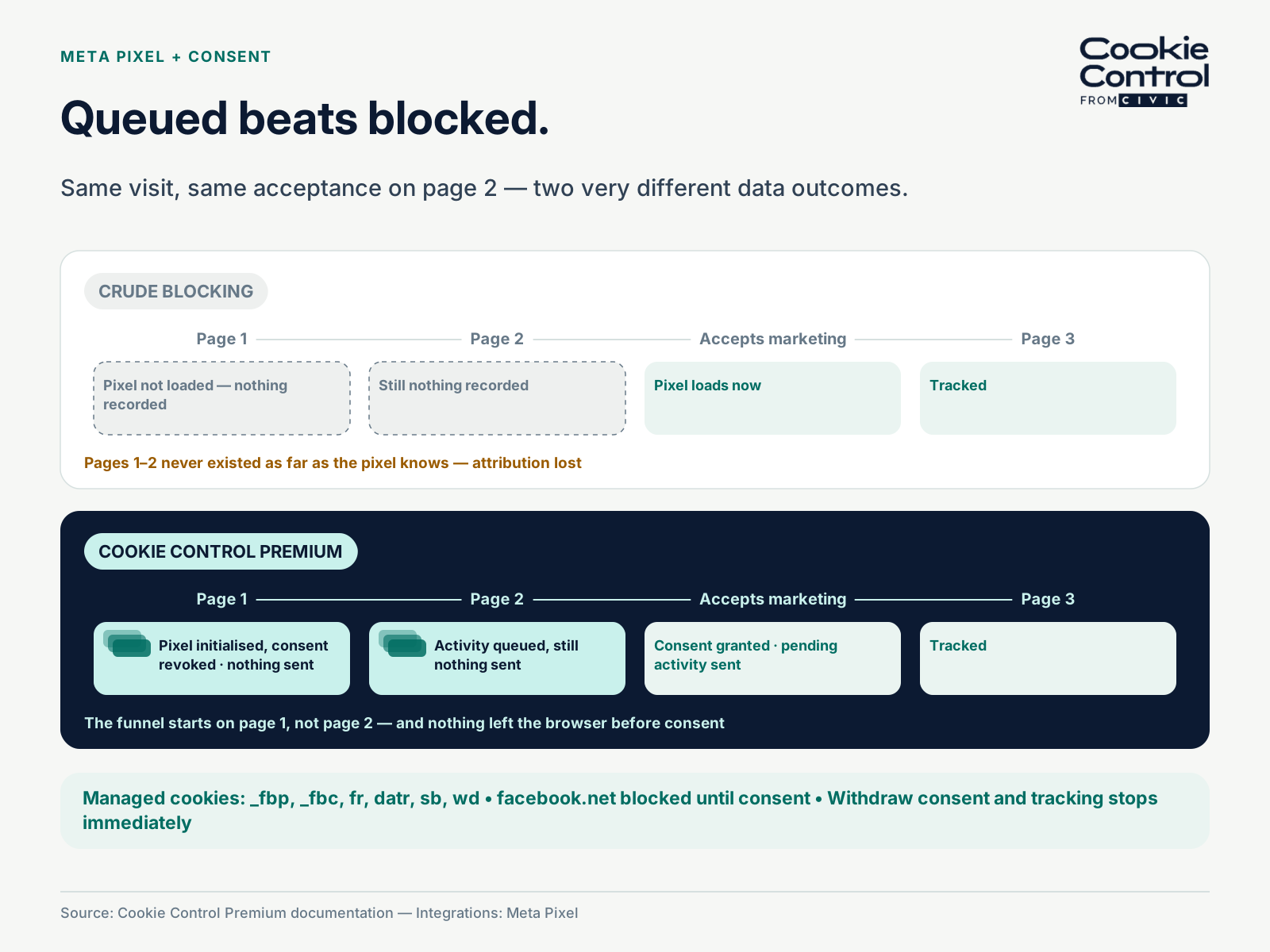
Blocking the Meta Pixel versus initialising it with consent revoked and releasing queued activity.
Cookie Control Premium’s Meta Pixel integration initialises the pixel with consent set to revoke, then releases pending activity when the visitor accepts marketing. The pixel’s cookies — _fbp, _fbc, fr, datr, sb and wd — are managed, facebook.net is blocked, and events from the visit are not simply thrown away while consent is pending.
There are two ways to make a marketing pixel respect consent, and they are not equal. The crude way is a wall: keep the script off the page until consent arrives. It is compliant, and it quietly destroys measurement, because everything the visitor did before consenting never existed as far as the pixel is concerned. Cookie Control Premium’s Meta Pixel integration takes the other route, and the design decision is worth understanding because it is the difference between consent compliance that costs you your attribution and consent compliance that does not.
How the integration actually behaves
With the integration enabled, the pixel is initialised on page load, but with consent set to revoke by default — meaning no data is sent to Meta until the visitor accepts. In that state it is present and aware but not tracking against the visitor’s choice; Cookie Control is meanwhile managing the pixel’s cookie surface (_fbp, _fbc, fr, datr, sb and wd) and blocking scripts from facebook.net. When the visitor accepts the marketing category, consent is granted to the pixel and any pending activity is sent. Accept-at-the-second-page does not mean your funnel starts at the second page: the activity queued under revoke goes when consent does.
Withdrawal is just as direct: if the visitor later withdraws marketing consent, tracking stops immediately. The visitor’s current choice, whatever it is and whenever it changes, is what the pixel operates under. It is the same principle as Consent Mode v2 for Google’s tags — carry the decision to the tool rather than tearing the tool out — applied to Meta.
Setting it up
- In the Premium user area, open the Consent Banner’s Integrations tab and enable Meta Pixel.
- Enter your Pixel ID when prompted — the 10-to-20-digit number from Meta Business Suite under Events Manager.
- Check the category it is assigned to, preview, and publish.
- Then remove any hand-rolled pixel snippet from your templates — the integration is now the single, consent-aware loader, and a leftover hard-coded snippet is a compliance leak that fires regardless of consent.
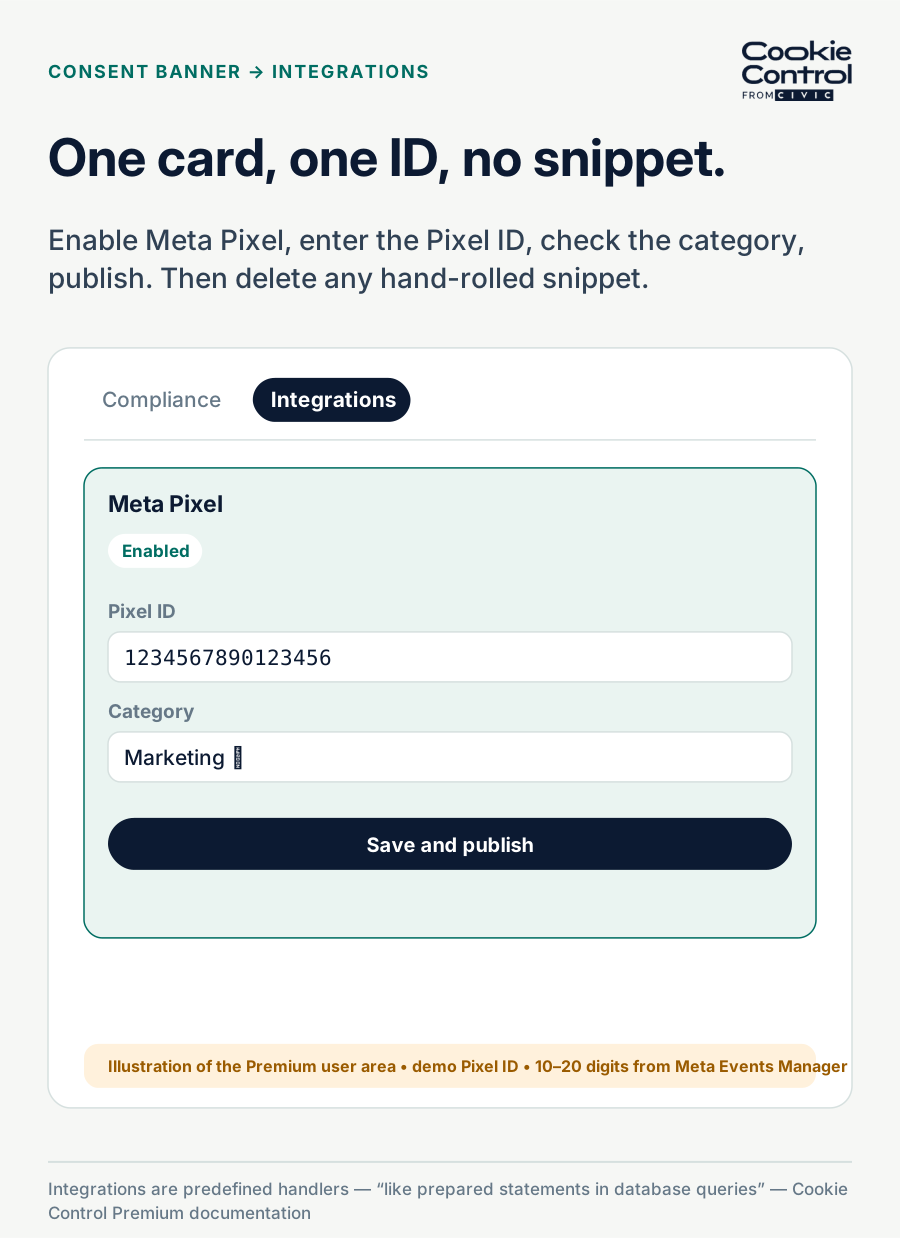
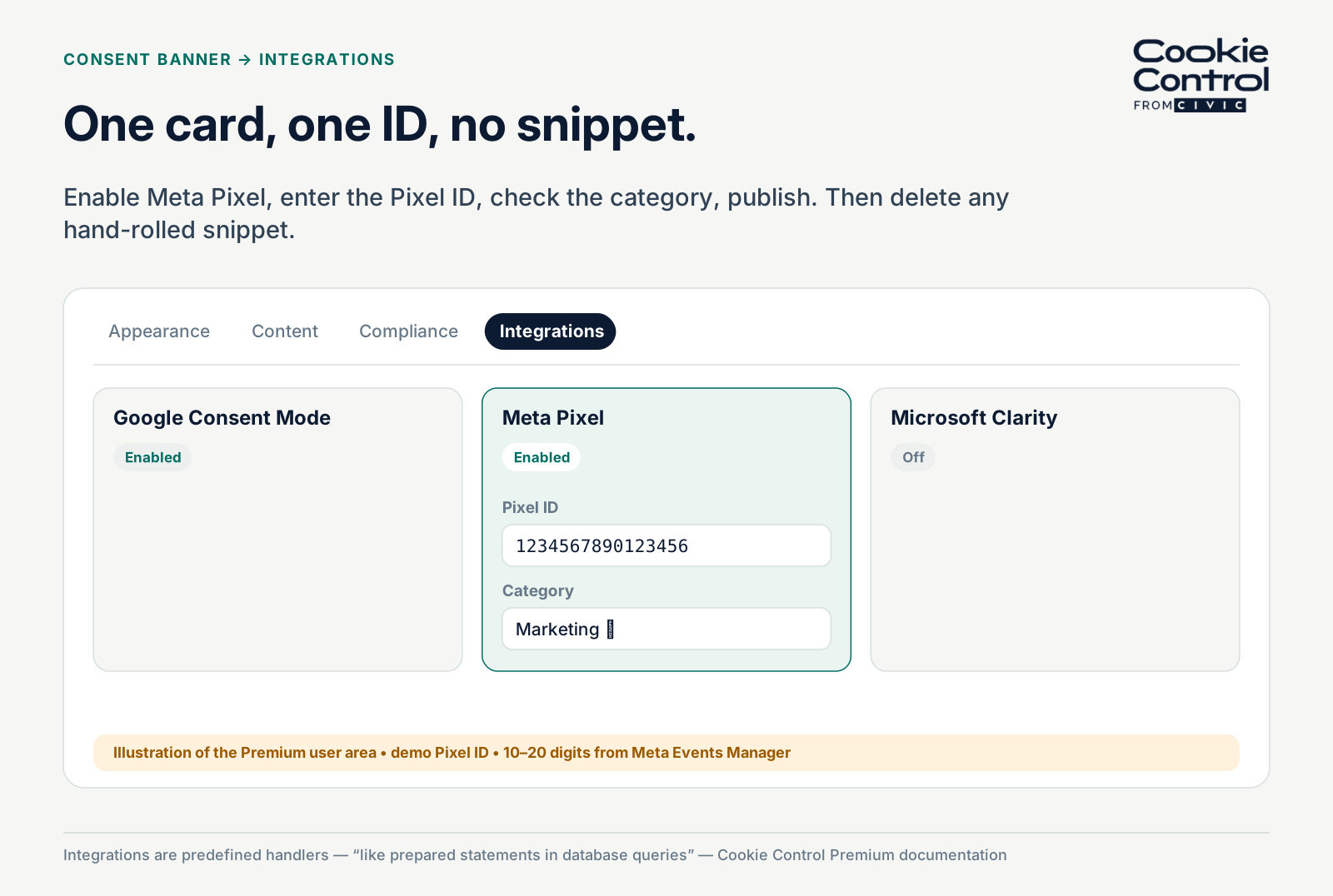
Configuring the Meta Pixel integration in Cookie Control Premium.
Why the integration route beats DIY
You can connect the Meta Pixel to consent yourself by placing the script behind a cookie category and writing your own code to handle accept and revoke. But that approach is easy to get wrong, and it tends to break over time. The integration handles it for you.
It manages the pixel's cookies and blocked domain, so there's no custom snippet for someone to edit, or accidentally break, later on. The consent logic is also fixed and tested. Our documentation compares integrations to prepared statements in database queries : because the logic can't be changed, there's no way for unexpected code to be slipped in. Meta Pixel is one of the most widely used tracking tools on the web, so a reliable, tested setup matters. Meta Pixel is one of three such integrations today, alongside Google Consent Mode and Microsoft Clarity.
One honest footnote: the pixel’s cookies are set by Meta’s domains, which means they fall into the class of third-party cookies it cannot delete once set — so managing them before consent, as the integration does, matters more than cleaning up afterwards. The first-party versus third-party distinction explains why.
What to check after go-live
- Clean profile, no consent: no requests to facebook.net, no _fbp cookie.
- Accept marketing: pixel active, events flowing — including the queued pre-consent activity.
- Revoke: tracking stops; no new requests to facebook.net.
- Meta Events Manager over the following days: volumes consistent with your consent rate, not with zero.
- Bear in mind what a scanner can and cannot find here: a standard scan sees the pre-consent state, so the pixel’s cookies will only appear in a scan that runs behind Cookie Control with marketing accepted.
Frequently asked questions
Sources
- Cookie Control Premium documentation — Integrations - Meta Pixel
- Cookie Control Premium documentation — Consent - integration type ("prepared statements")
- Cookie Control Premium documentation — Integrations overview
- Meta Business Help Centre — Events Manager and Pixel ID